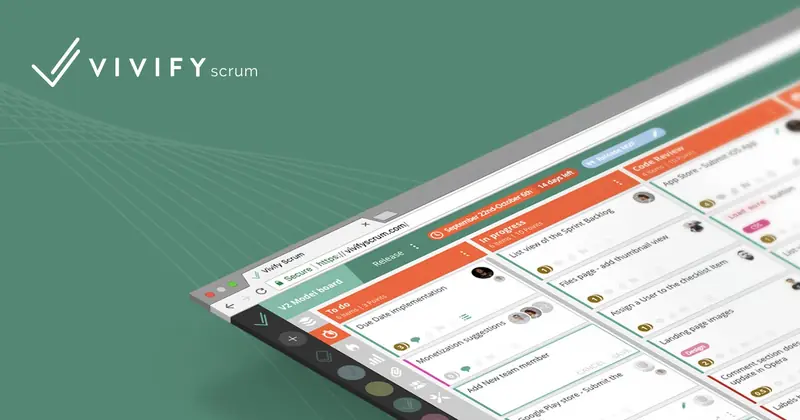
About VivifyScrum EDU
VivifyScrum EDU was an educational platform designed to teach Scrum methodology through a gamified experience, much like Duolingo for Scrum. The project aimed to create an engaging and accessible way for users to learn Scrum for free, using a theme inspired by Japanese martial arts and masters to make the learning journey both fun and effective.
My role
As the Art Director, Illustrator, Animator, and UX/UI Designer for VivifyScrum EDU, I was responsible for crafting the platform's visual identity and user experience. I utilized Adobe Illustrator, After Effects, and Sketch to create a cohesive aesthetic that combined retro game-like elements with Memphis design influences. This style was consistently applied across all icons, illustrations, and animations, ensuring a unified and engaging experience that aligned with the platform's gamified approach to teaching Scrum methodology.
Design Approach
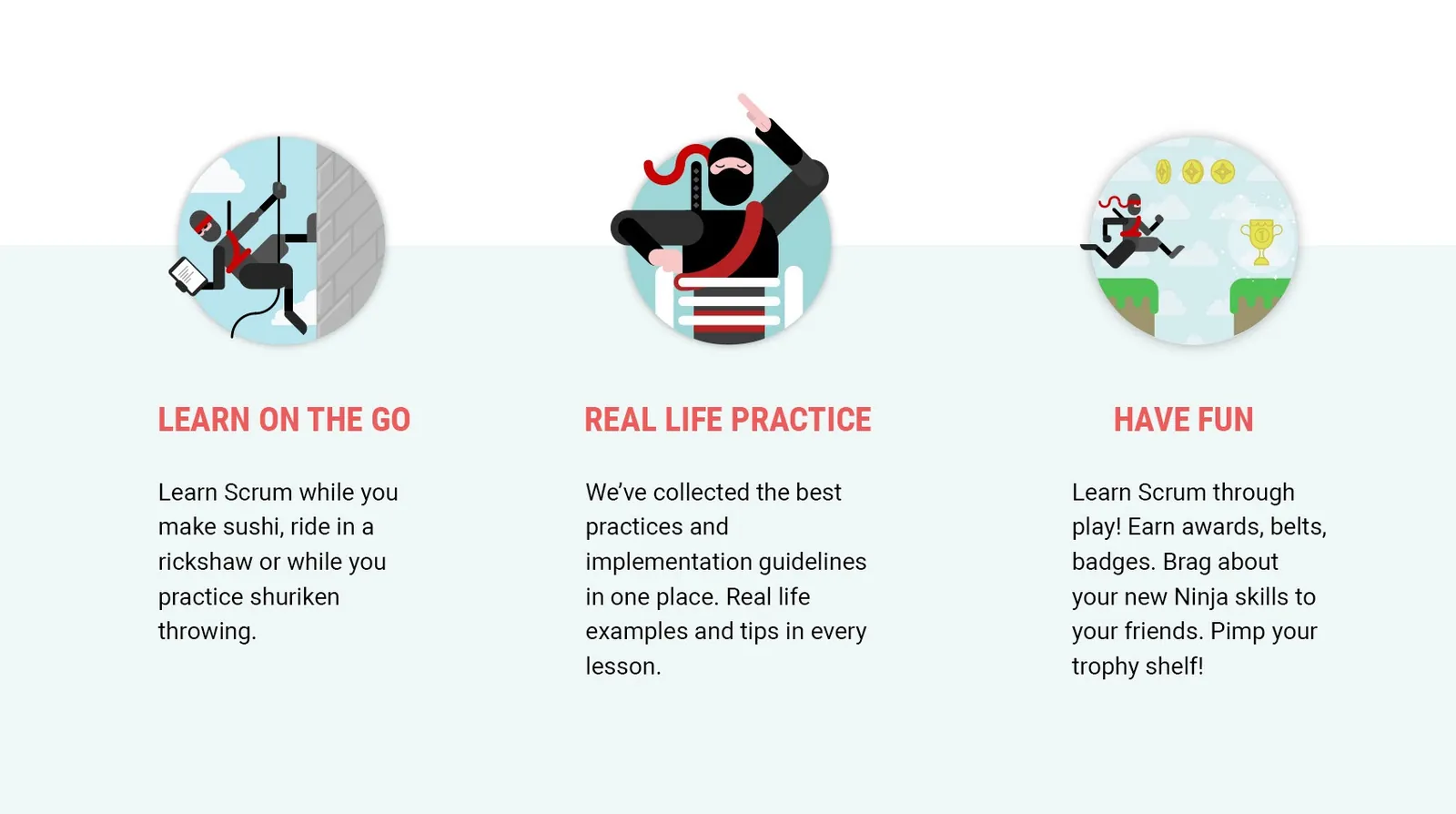
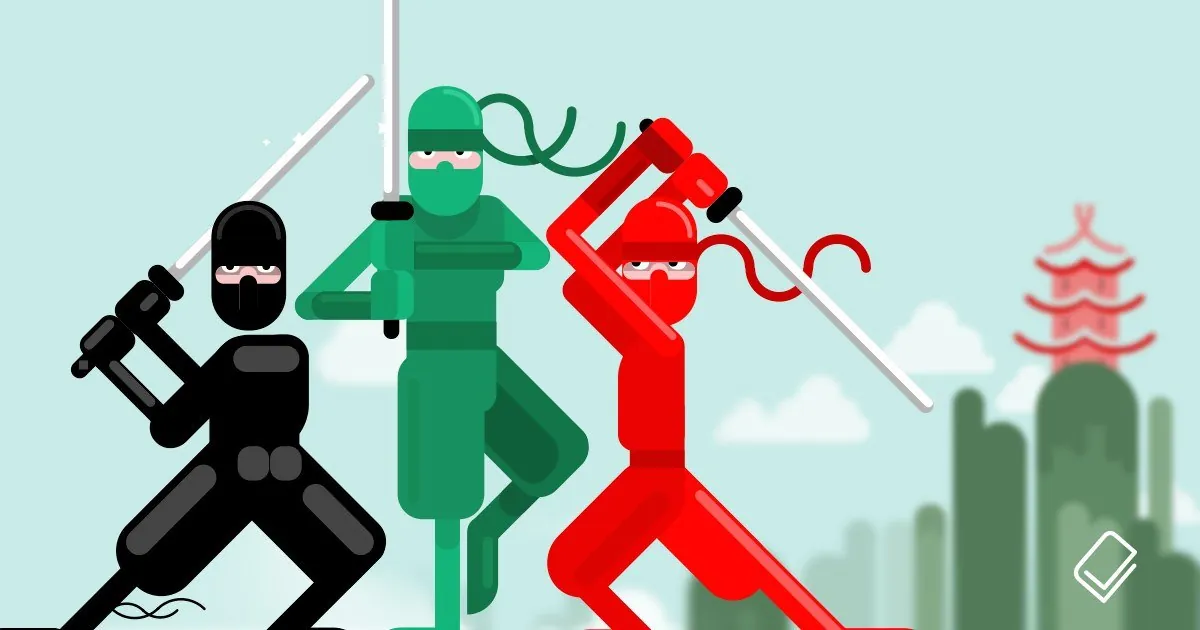
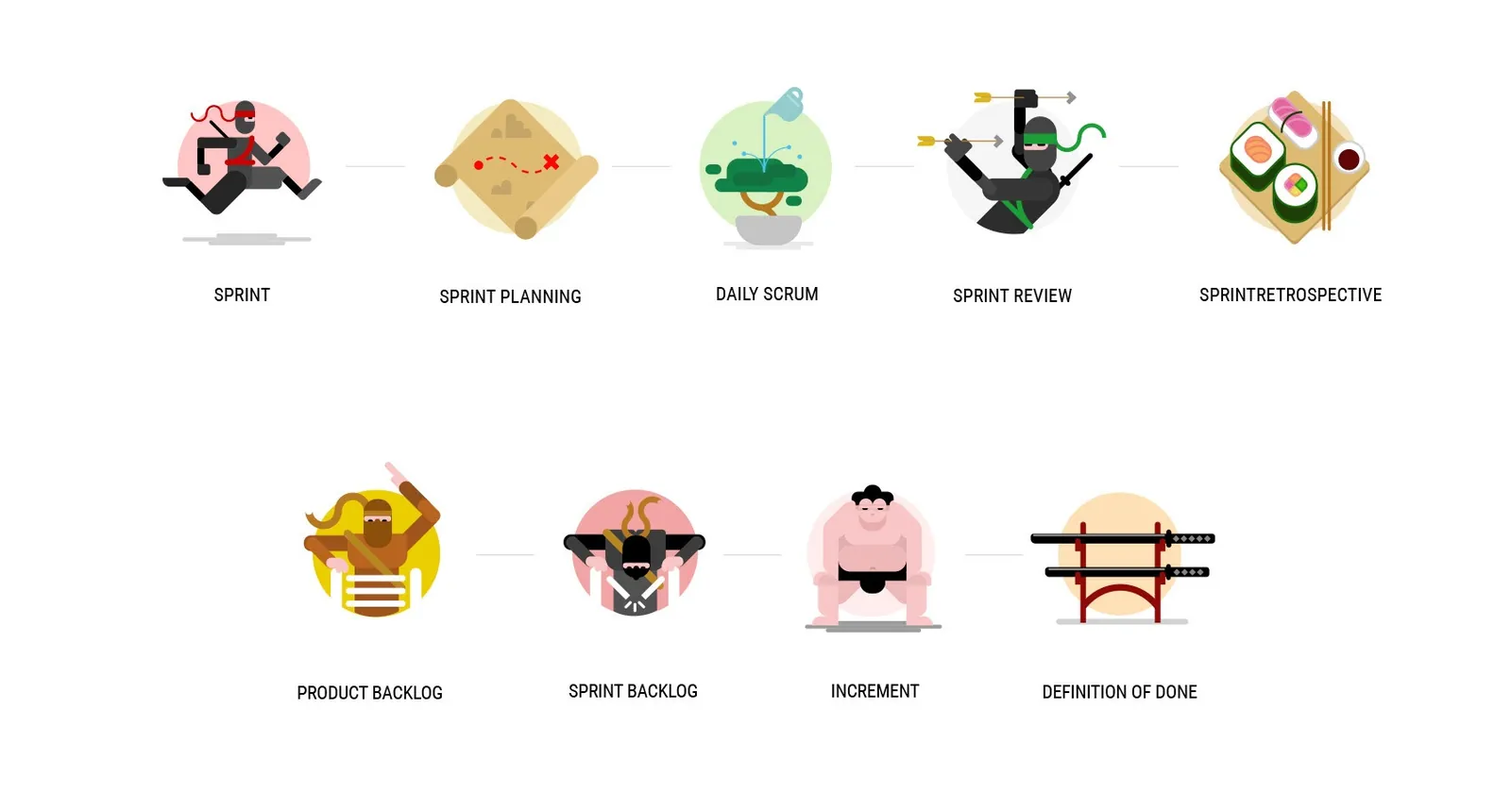
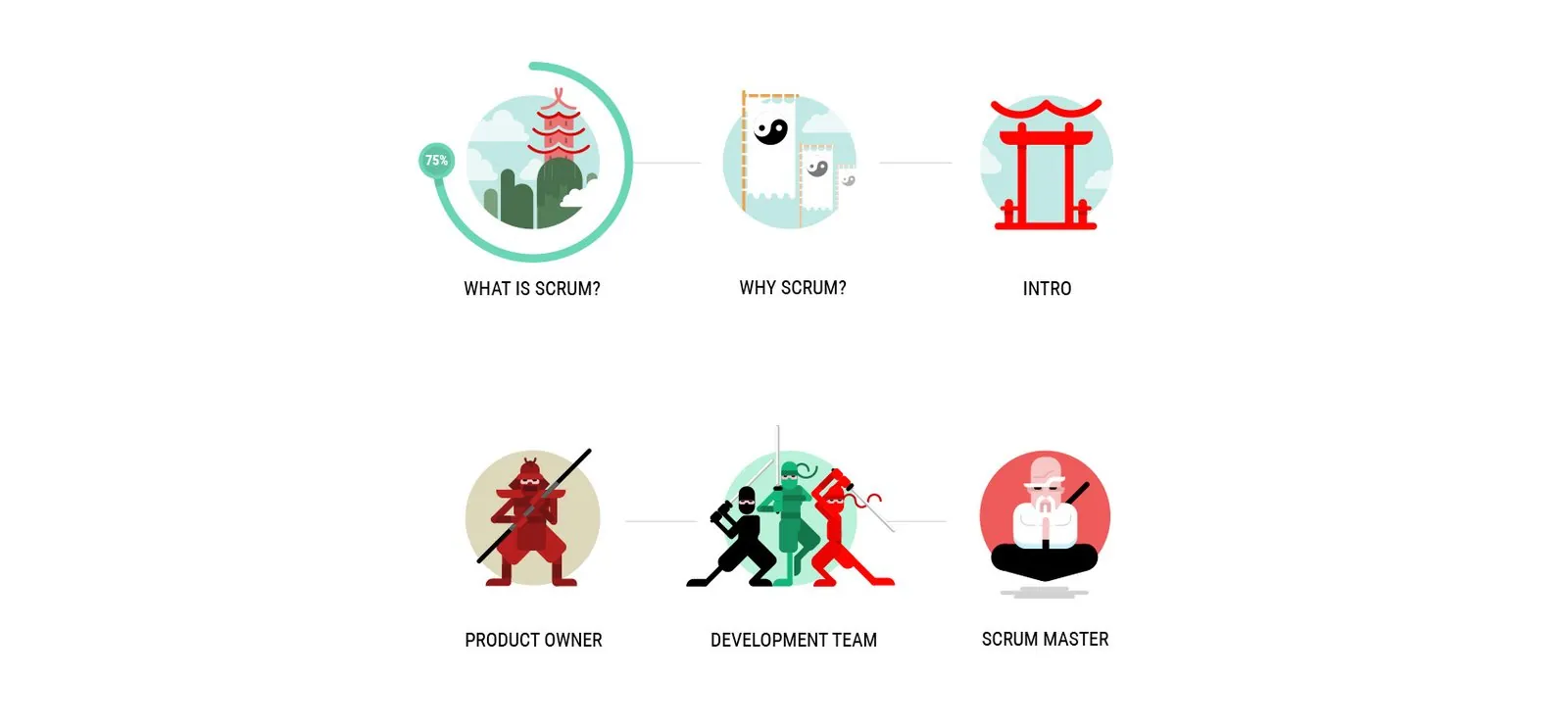
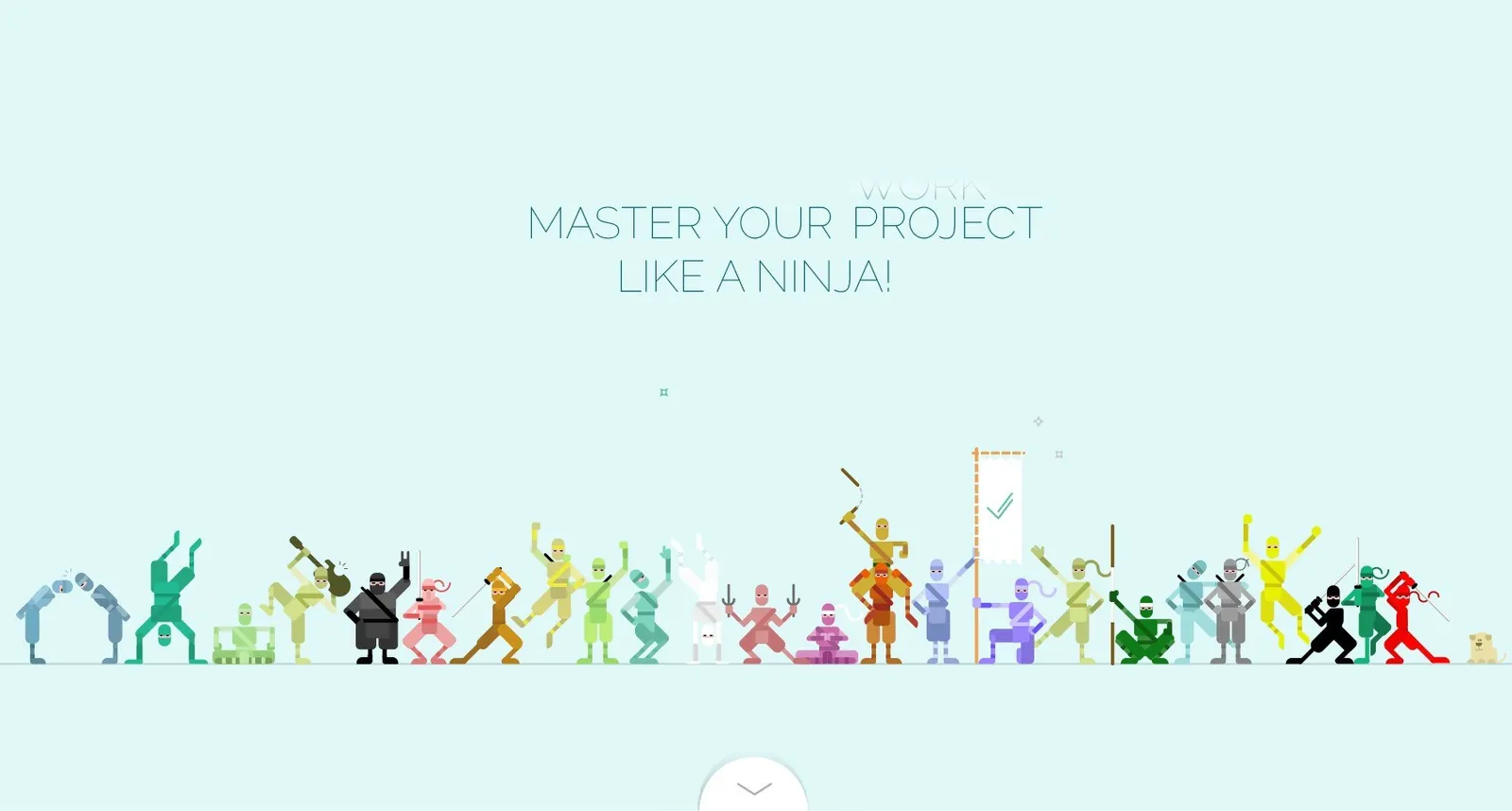
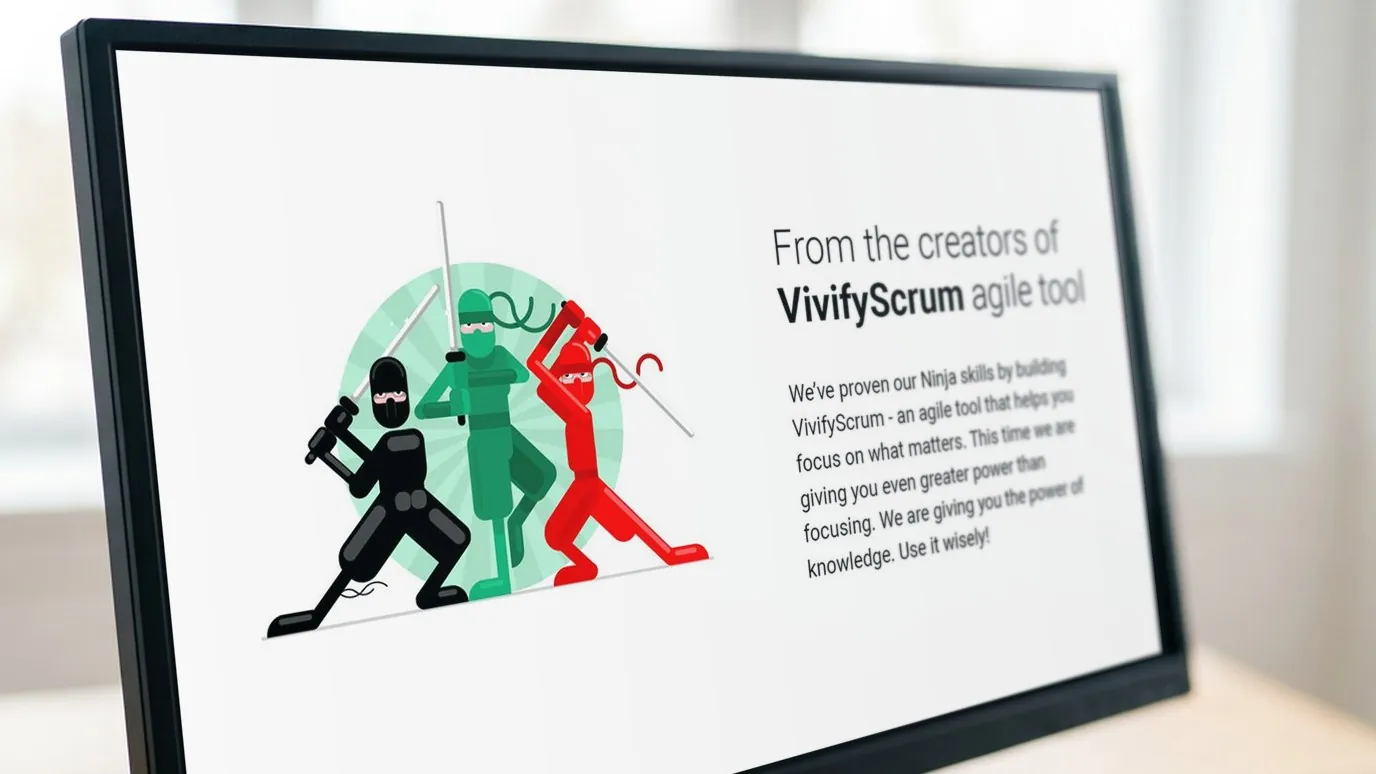
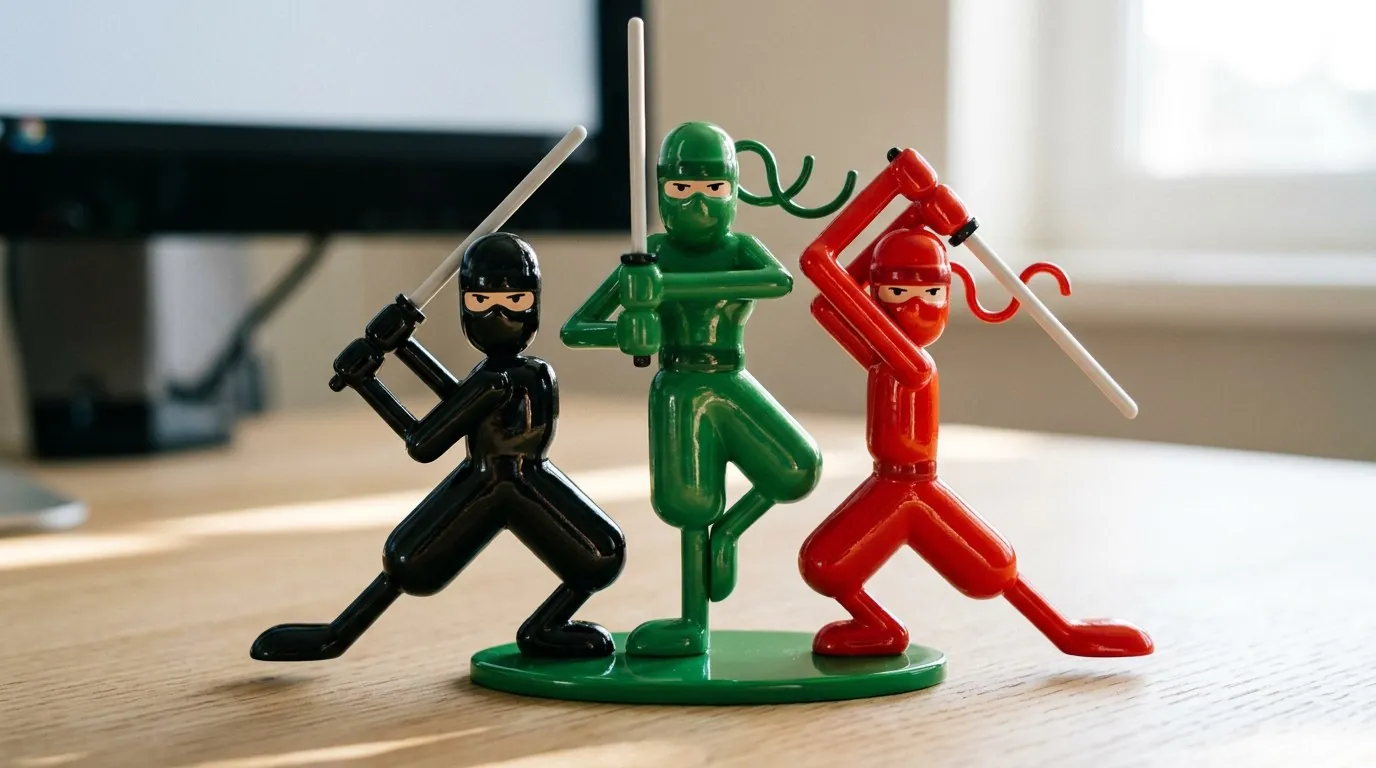
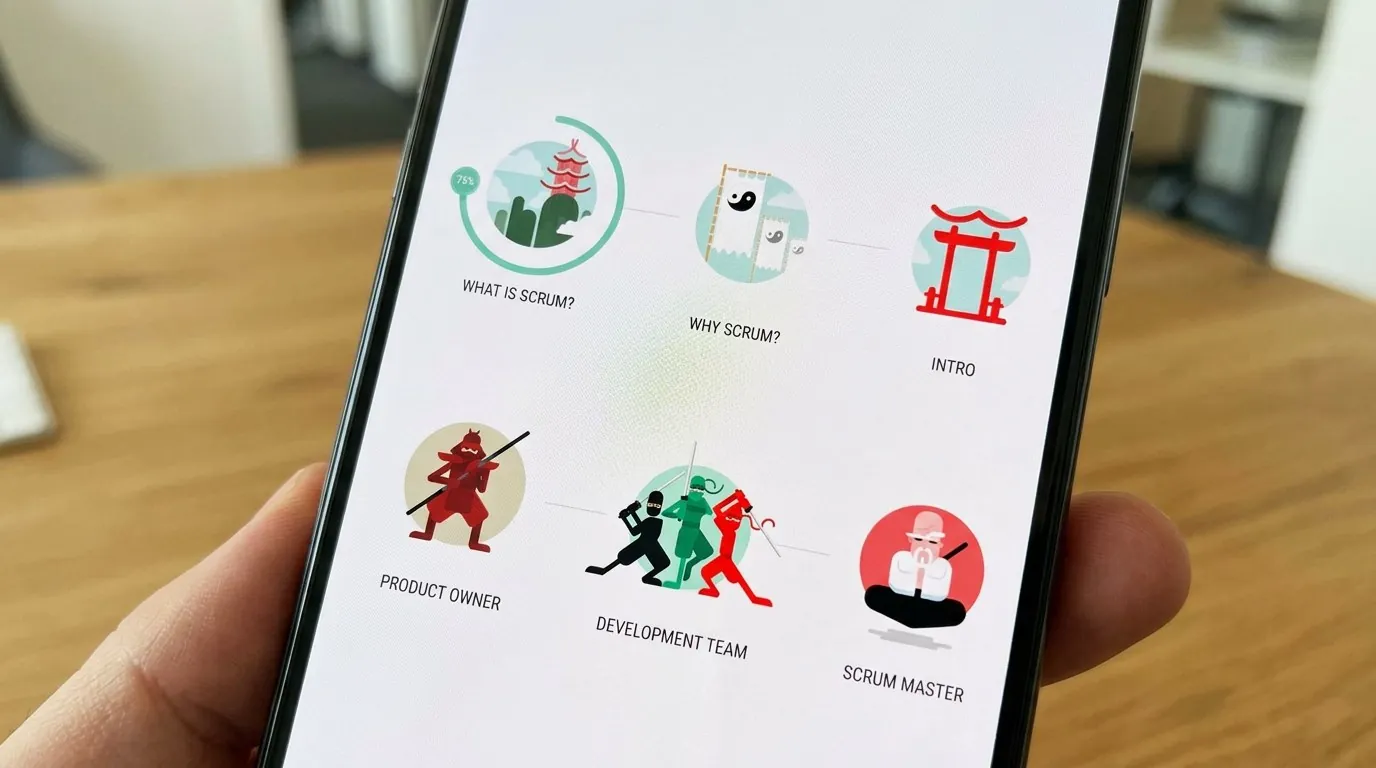
The platform's design featured metaphoric elements like ninjas, samurai, and scrolls, aligning with the concept of users becoming Scrum Masters. Progression through the course was marked by interactive stages, each rewarded with scores and custom "scrolls" (PDFs), enhancing user engagement.


Challenges & Solutions
One challenge I faced was balancing educational content with engaging visuals. My solution was to use simplified, thematic iconography that resonated with users. This approach was evident in the gamified learning path and progress indicators, which contributed to positive feedback during internal testing.
Logo
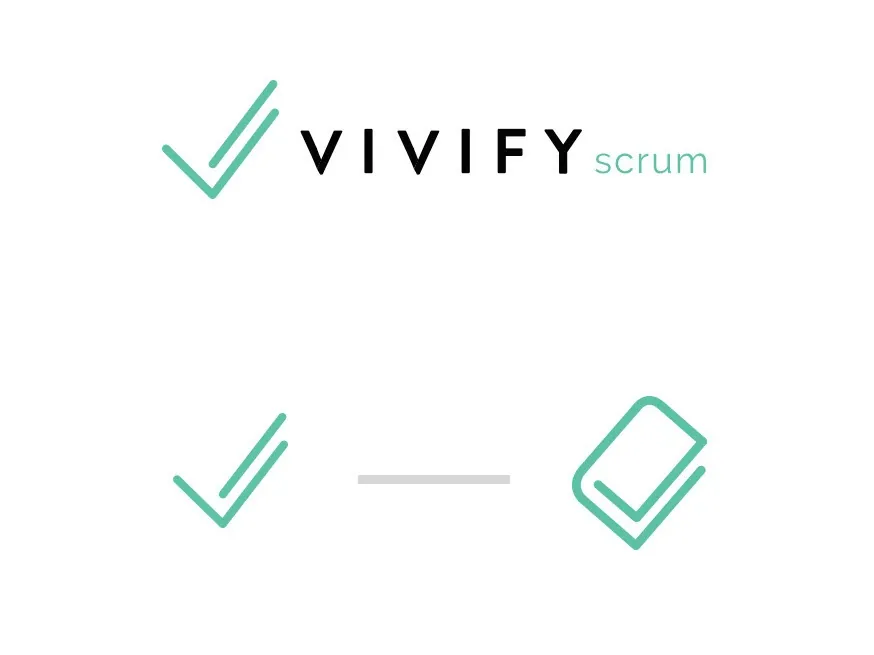
Since VivifyScrum EDU is part of the VivifyScrum app, the logo needed to stay visually connected to the original VivifyScrum logo. I creatively adapted the existing checkmark symbol, transforming it into a book icon, which seamlessly ties the two brands together while also representing the educational aspect of VivifyScrum EDU.

Interactive Lessons
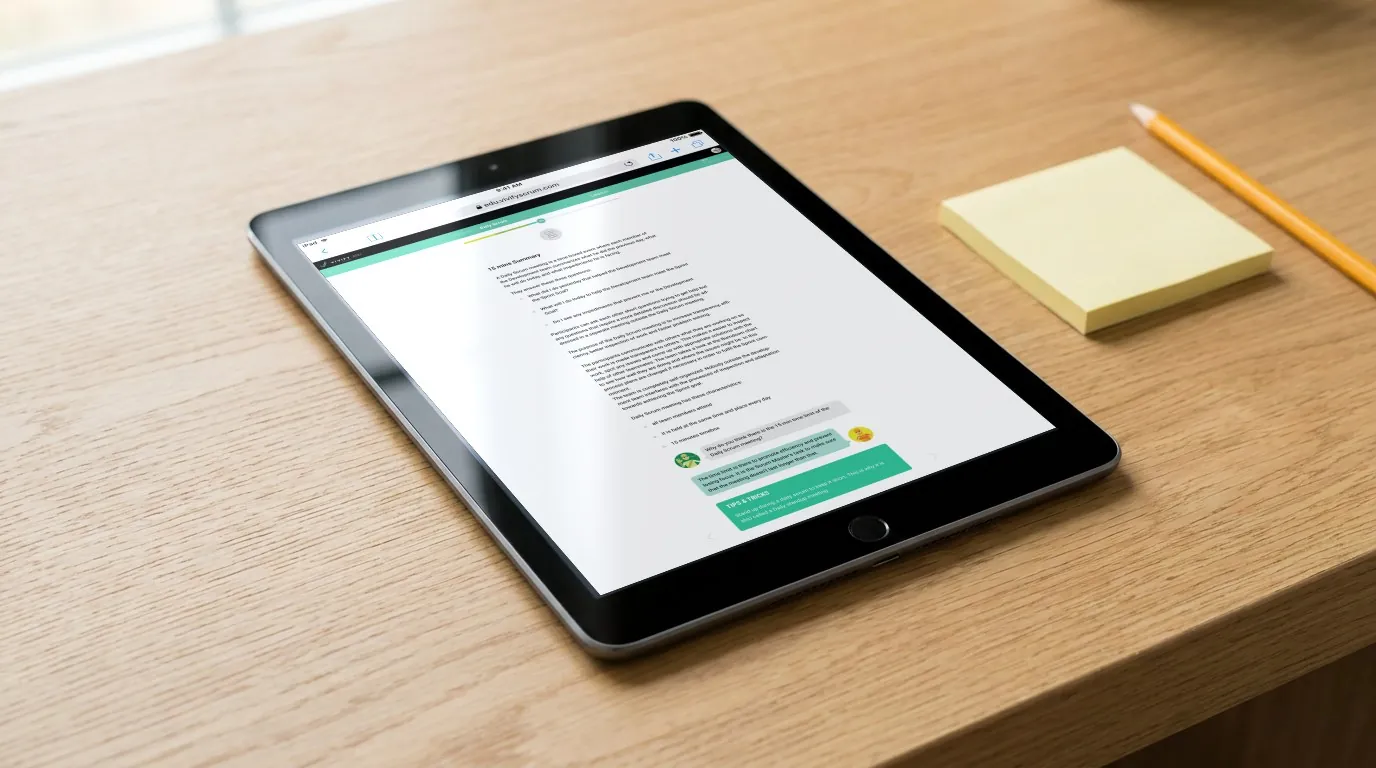
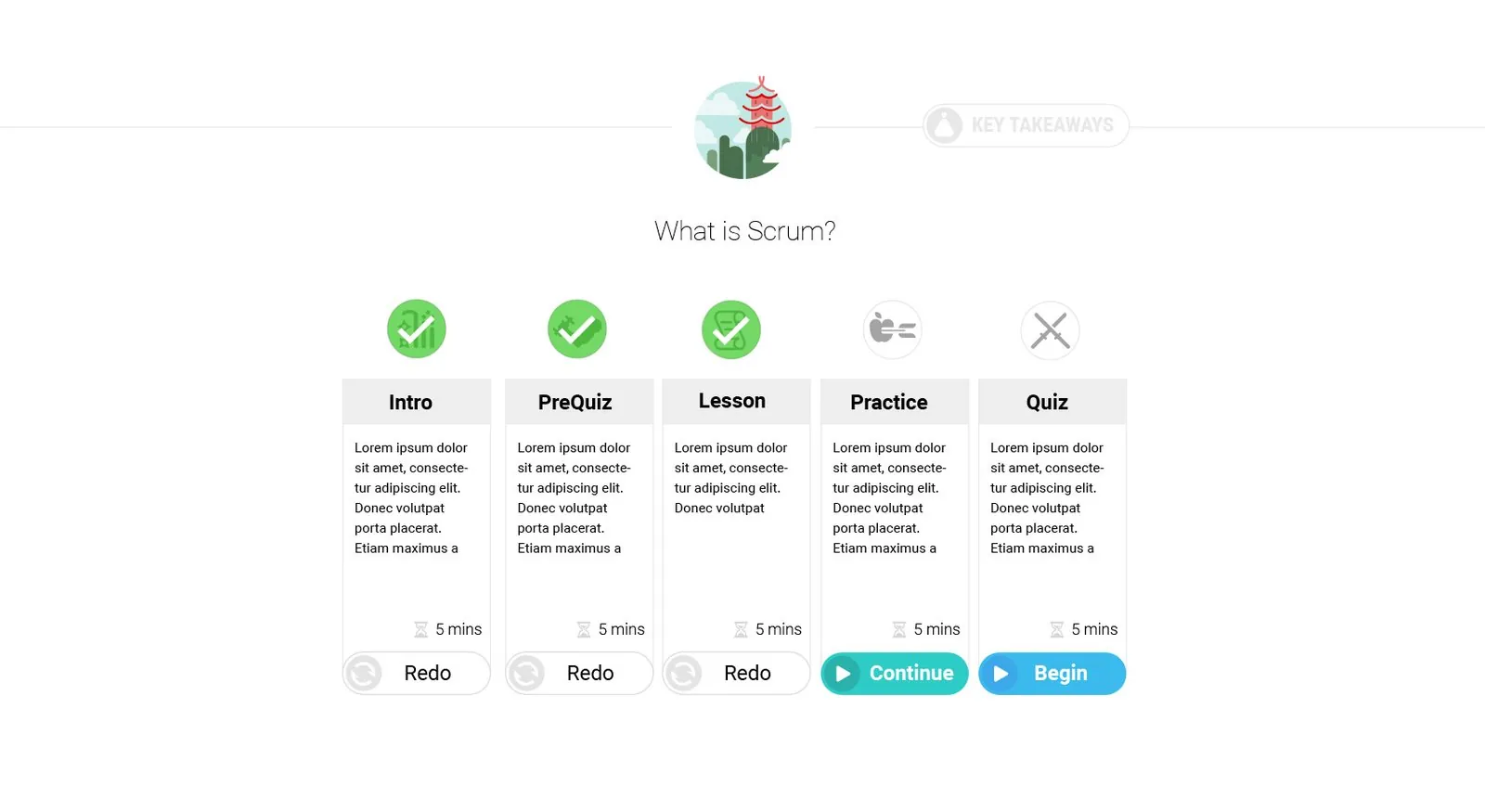
VivifyScrum EDU offered engaging, interactive lessons that kept learners immersed in the content. The platform combines clear instructional text with interactive elements, such as quizzes and dialogues, to reinforce key concepts in Scrum. This dynamic approach helps users actively participate in their learning process, making the material more memorable and easier to apply in real-world scenarios. By integrating tips and feedback within the lessons, users can immediately assess their understanding and continue progressing with confidence, ensuring a more effective and enjoyable learning experience.
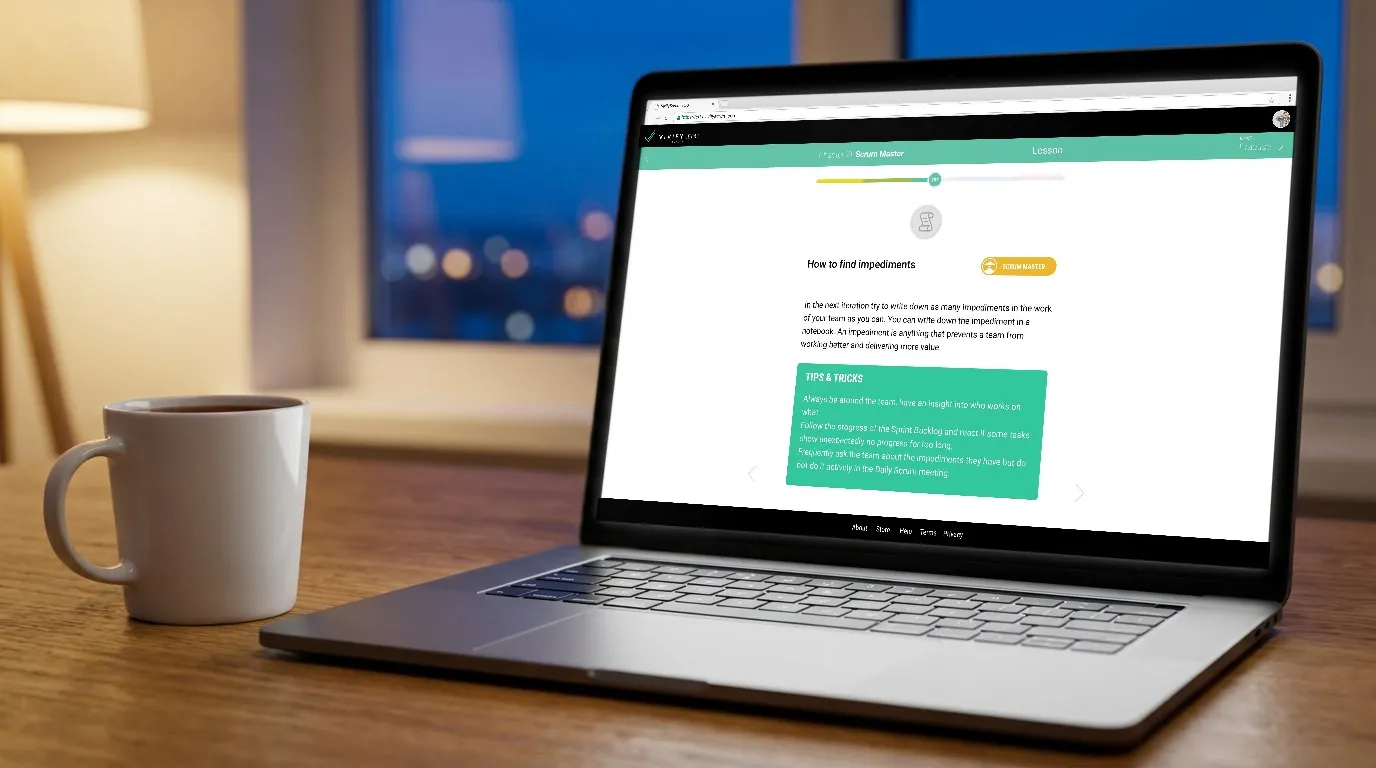
Tutorials
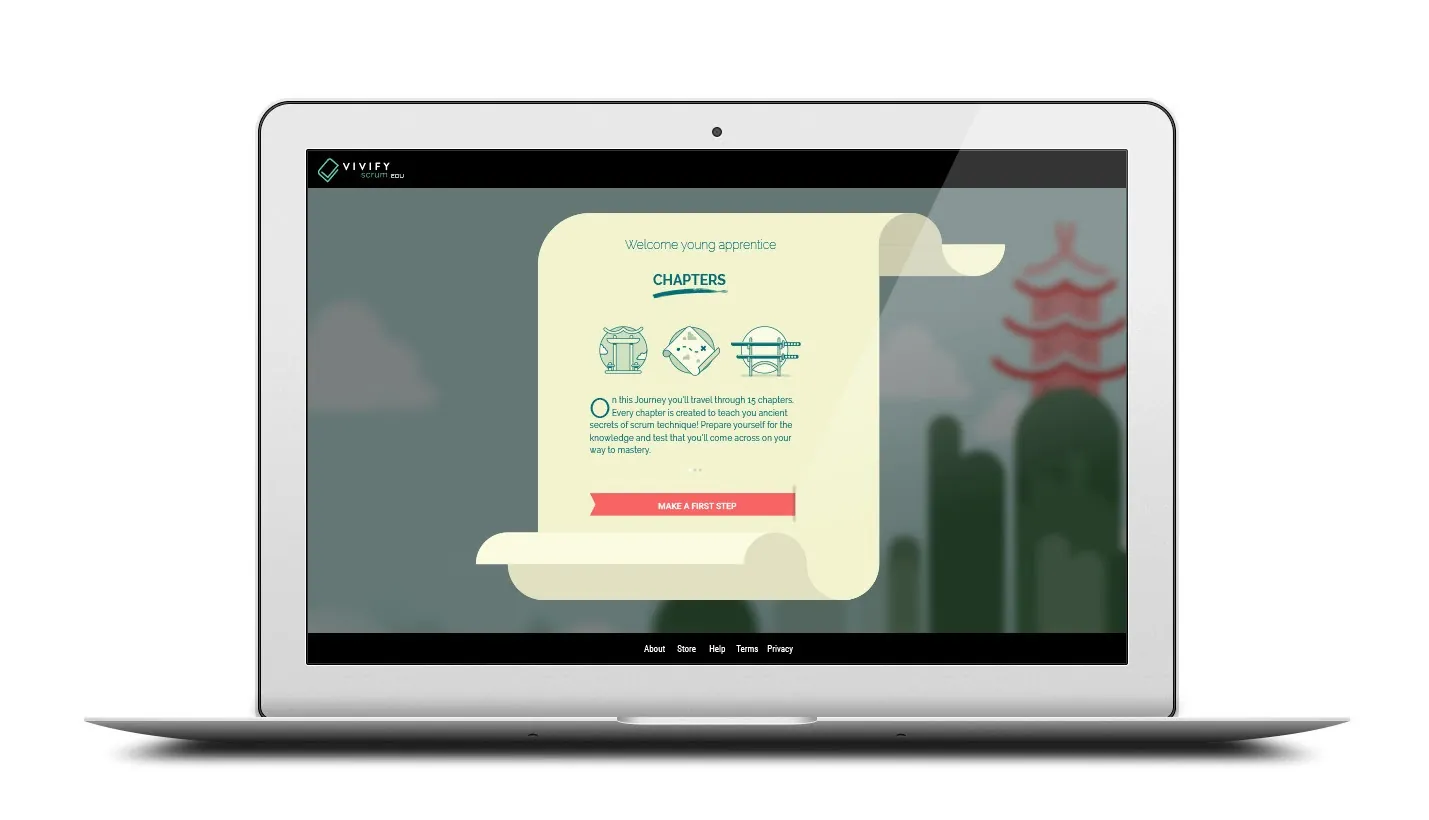
The VivifyScrum EDU platform embraces bite-sized learning by breaking down complex Scrum concepts into manageable sections and chapters. This structured approach ensures that users can progress at their own pace, with clear milestones and achievements that enhance motivation. Each chapter builds on the last, guiding learners through their journey with a system similar to Duolingo, but tailored for Scrum. The progress and achievement system, with its clear visuals and rewards, helps users track their learning and stay engaged throughout the process.

Gamified Learning
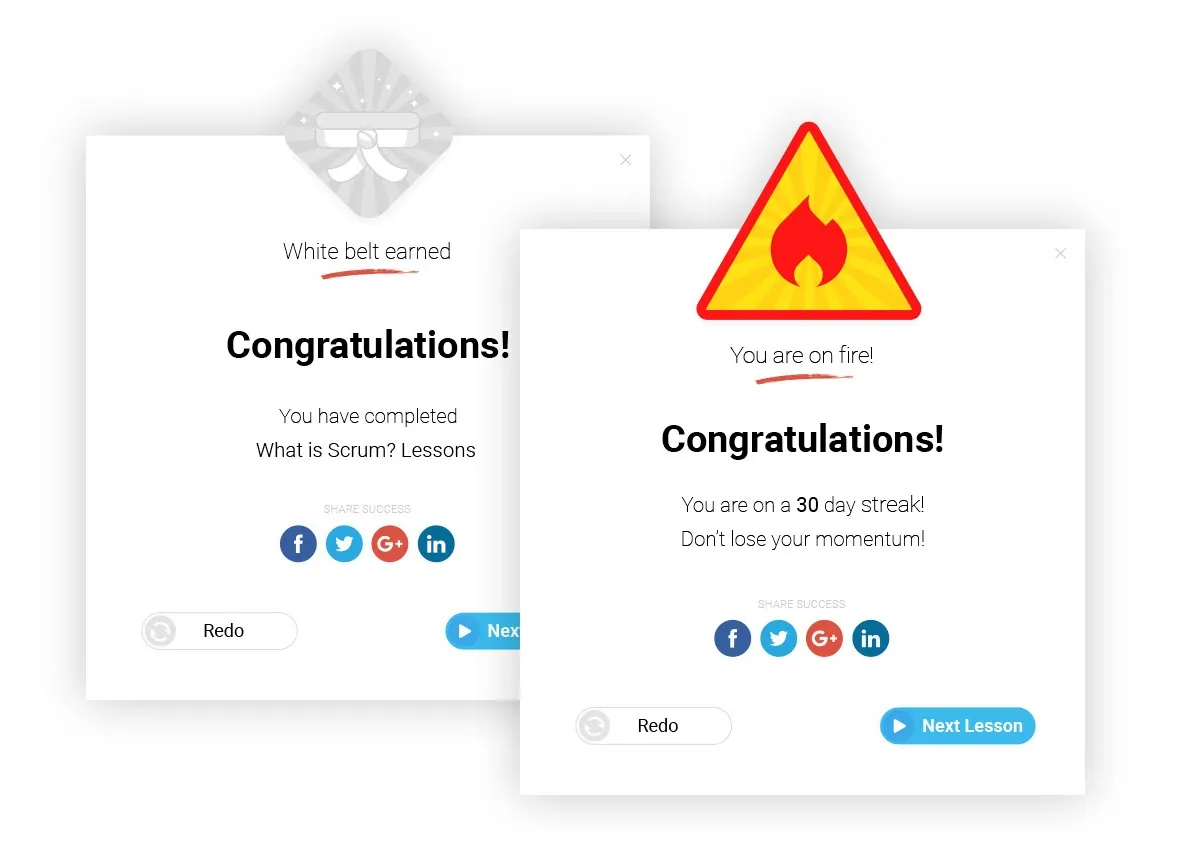
The award system in VivifyScrum EDU enhances the gamified learning experience by recognizing user achievements with badges like "White Belt" for completing lessons and special accolades for maintaining streaks, such as a 30-day learning streak. These awards are designed to motivate users and acknowledge their progress in mastering Scrum. Additionally, users can share their accomplishments on social networks directly from the platform, further encouraging engagement and community participation. This feature not only boosts user motivation but also promotes the platform through social sharing.
Custom Icon Set

I created a custom icon set from scratch, inspired by ninja-themed elements, to maintain consistency with the platform’s visual style. These simple yet distinctive icons enhanced the user interface, making it intuitive and visually cohesive.
Animations
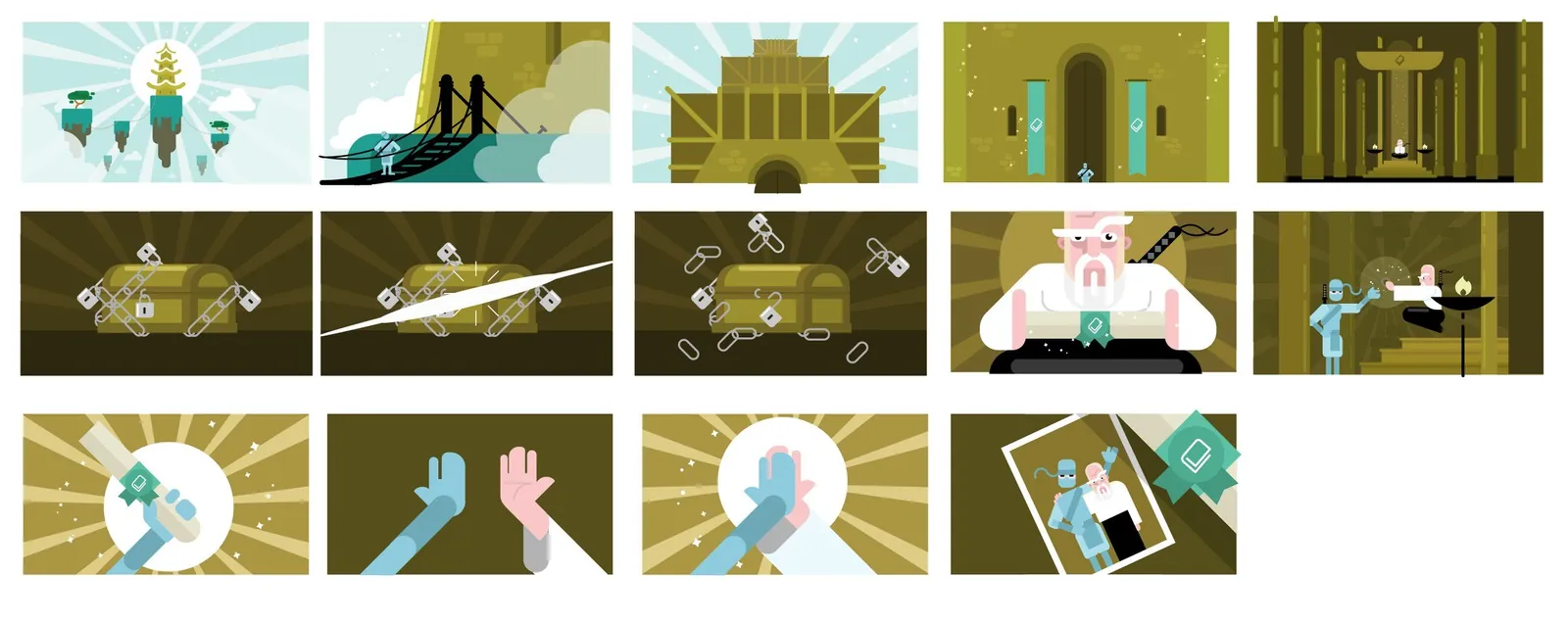
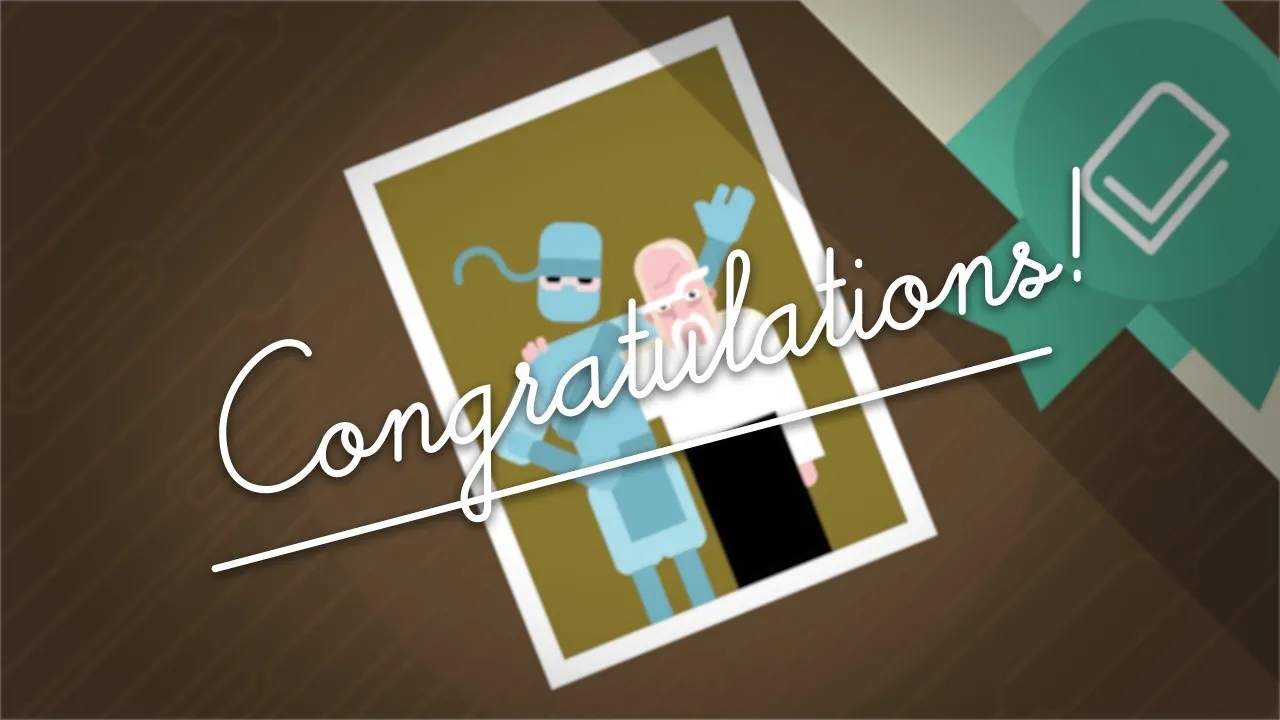
In this animation, a ninja ascends to a temple atop a mountain, symbolizing the user’s progress. Upon arrival, the Grand Scrum Master greets the ninja and presents them with a diploma, signifying course completion. The two characters then share a celebratory high-five and take graduation photos together, adding a personal and memorable touch to the user’s achievement.



Planning Poker Explained
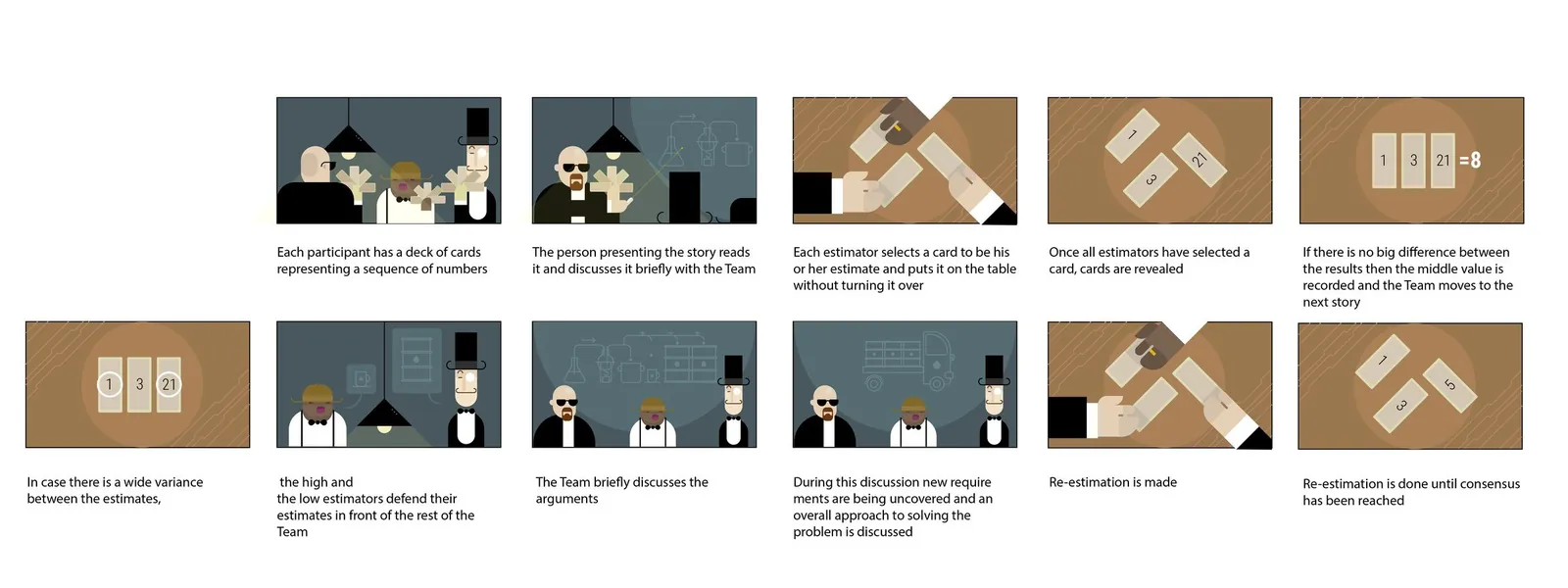
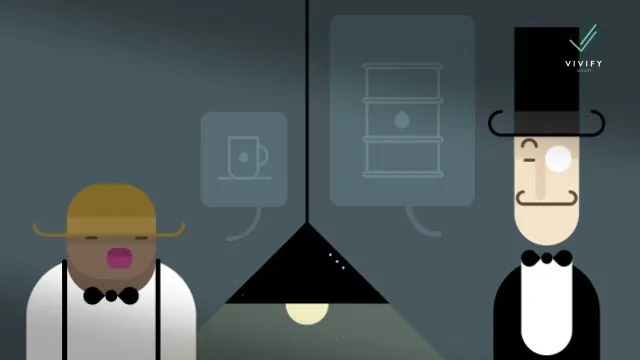
In this animation, I illustrated the concept of Planning Poker in a way that makes it easy to understand just by watching. The animation guides viewers through the steps of a Planning Poker session, visually explaining how teams can estimate project tasks collaboratively. The stylized, engaging visuals make the process clear and memorable, ensuring that users can quickly grasp how to facilitate their own Planning Poker sessions. This approach simplifies learning, allowing viewers to absorb the key points without needing additional explanations.
What Is Scrum?
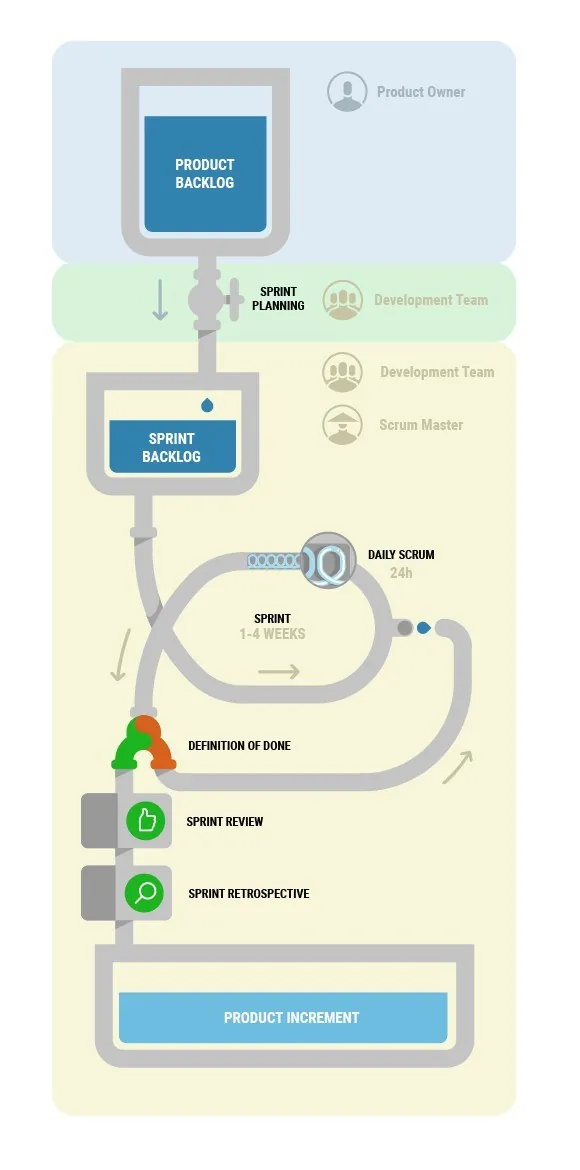
In this animation, I used the engaging scenario of a team of ninjas building a gigantic robot to explain Scrum methodology. The animation walks viewers through the Scrum process, showing how the team collaborates on tasks, iterates on their design, and ultimately creates a finished product. The use of a playful, yet relatable, project like building a robot makes the complex concepts of Scrum more accessible and easier to understand for users, reinforcing the principles of teamwork, iteration, and continuous improvement.
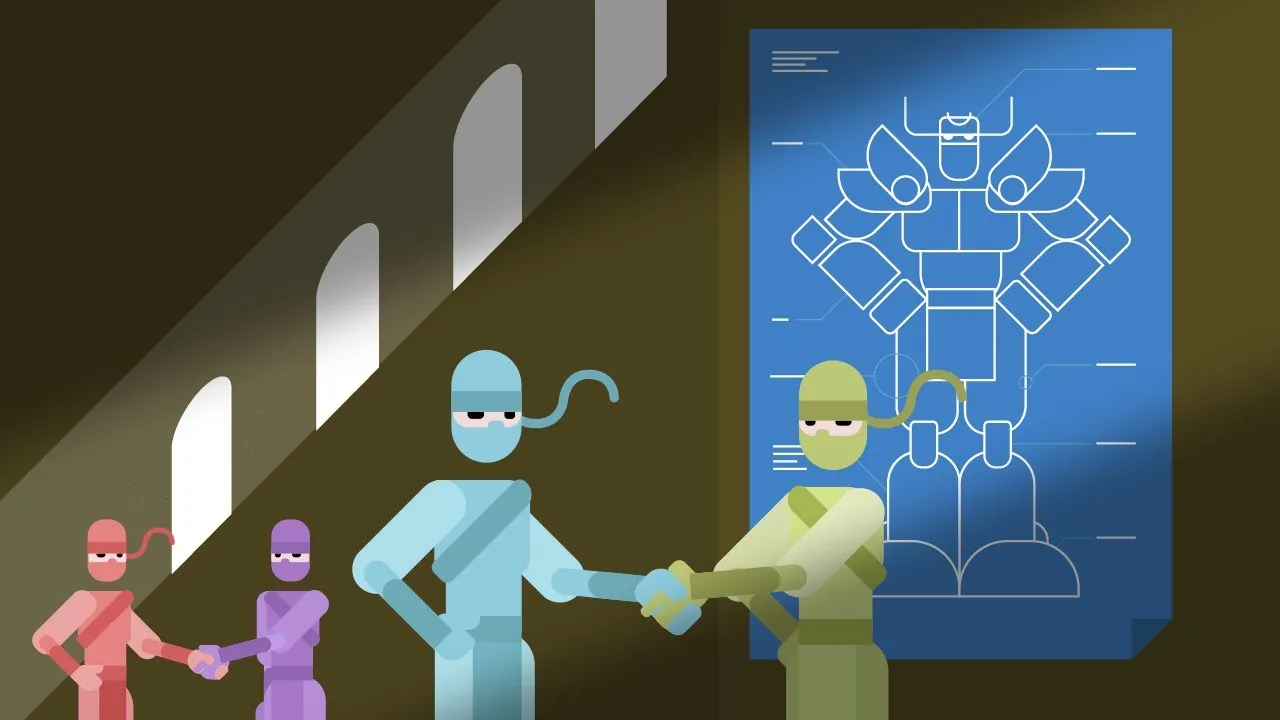
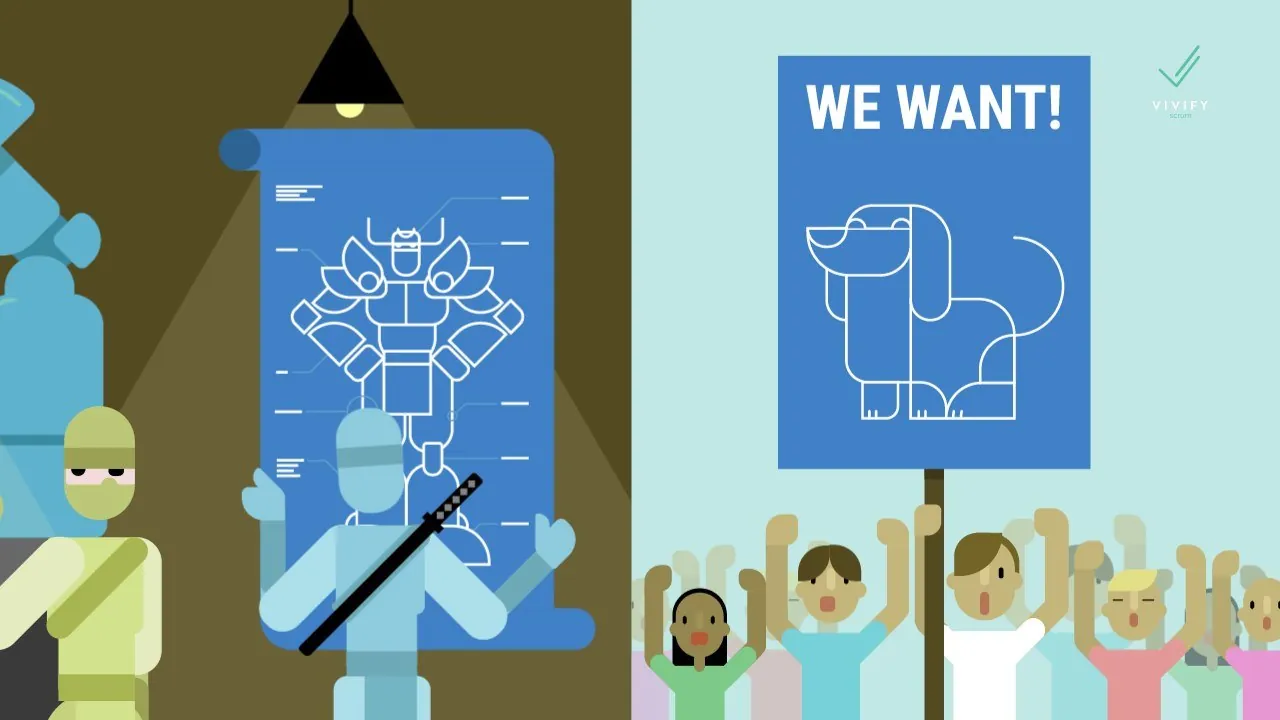
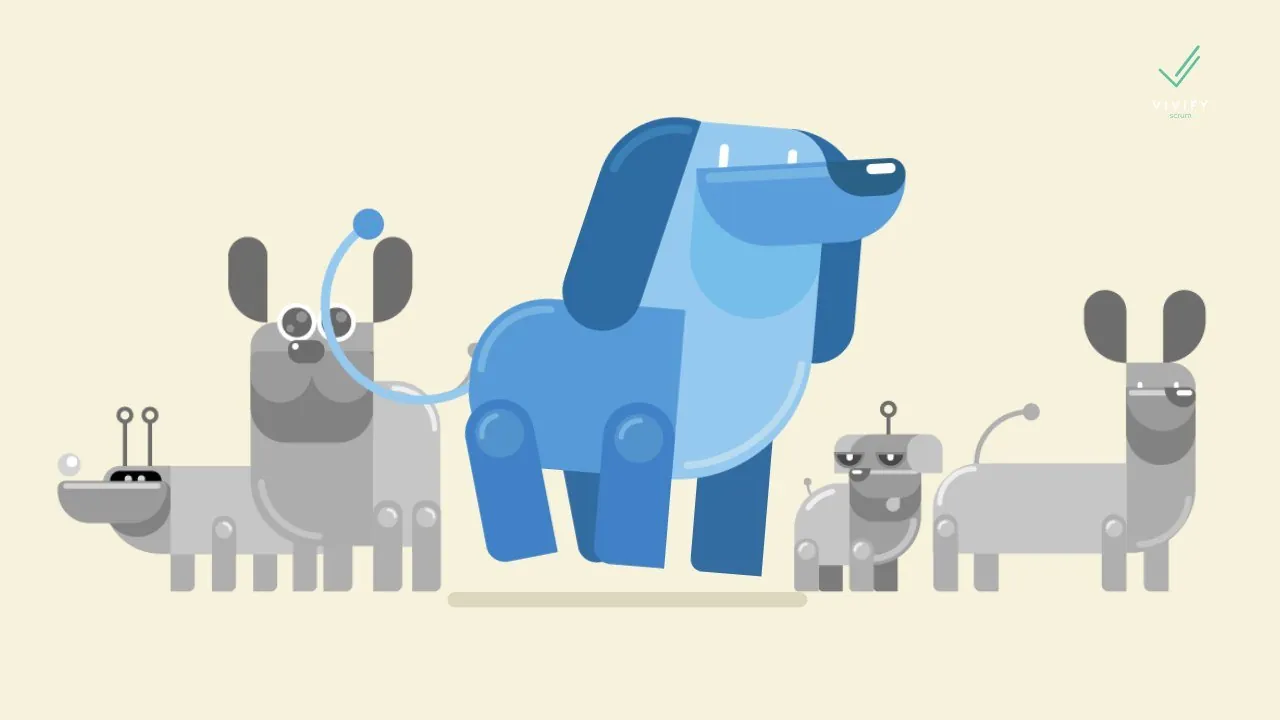
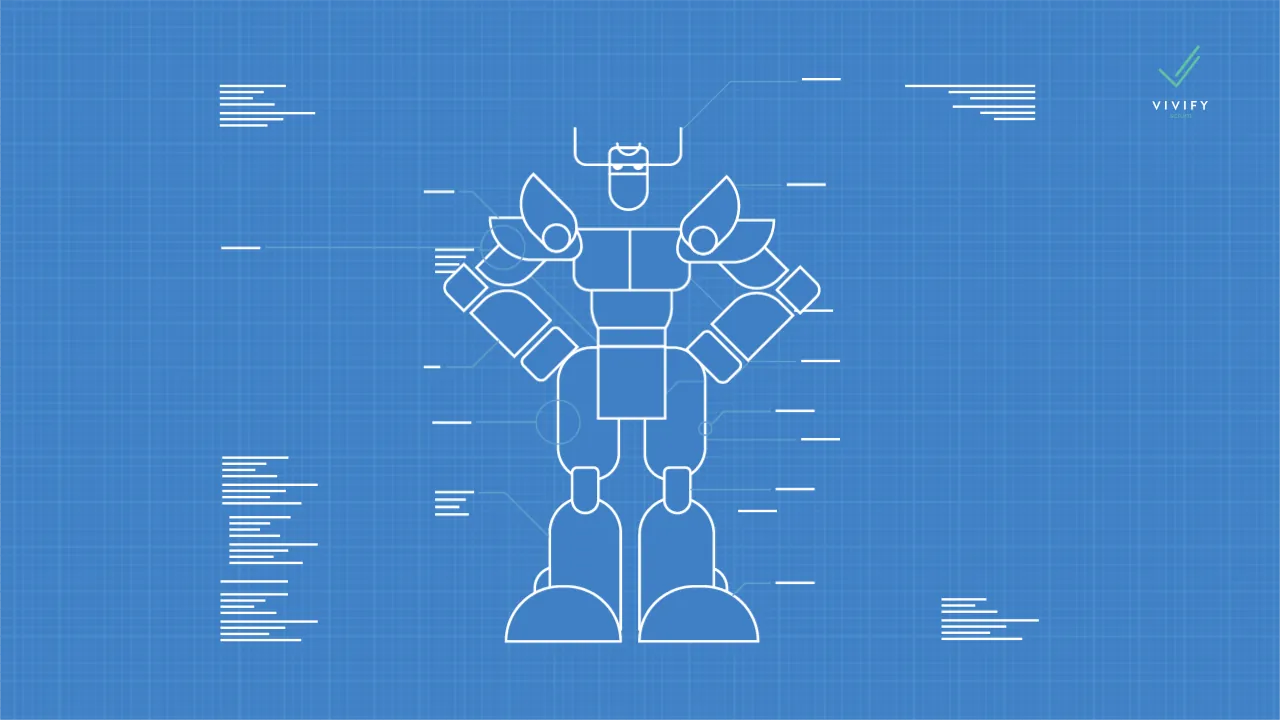
Illustration Style
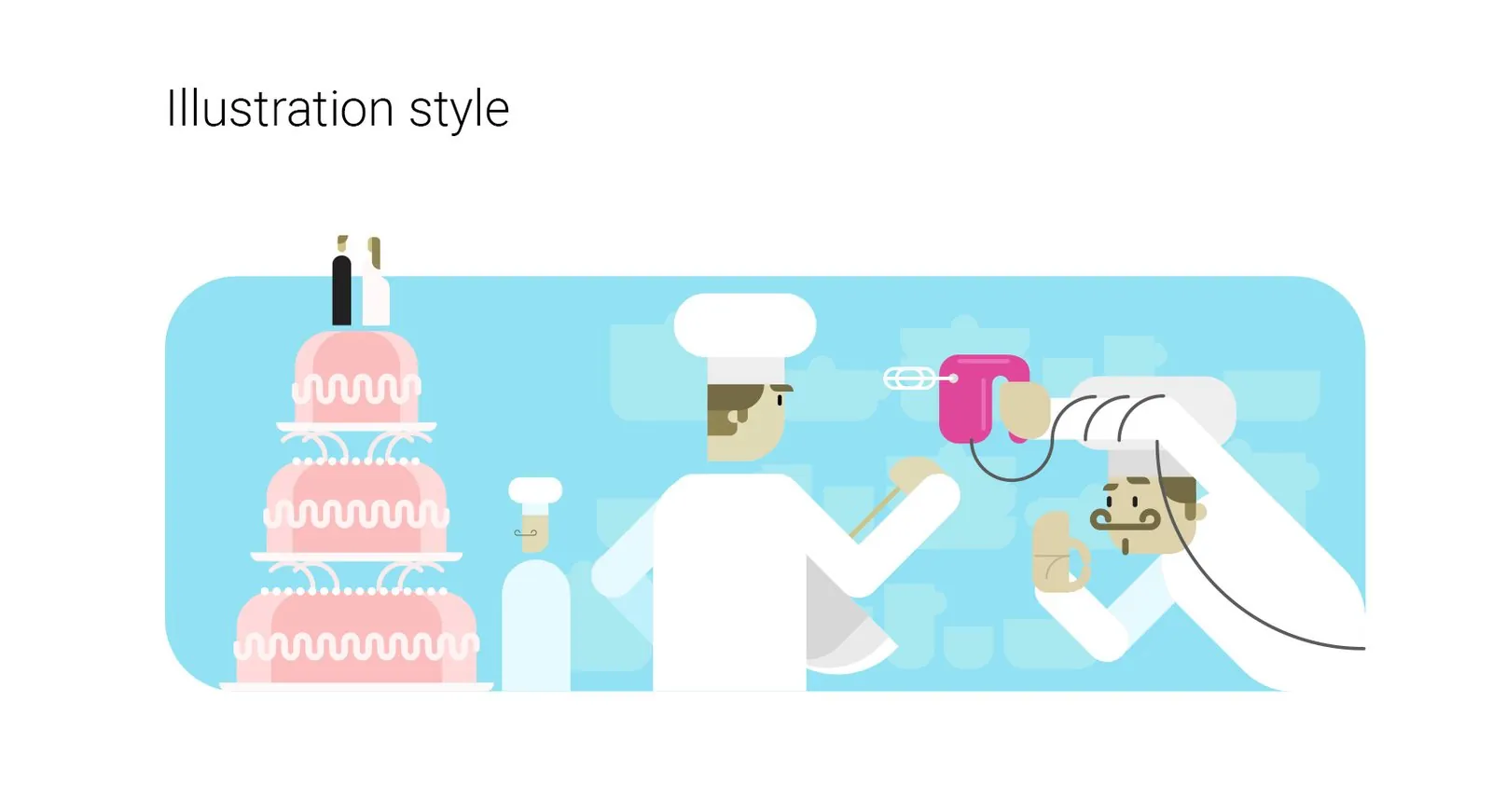
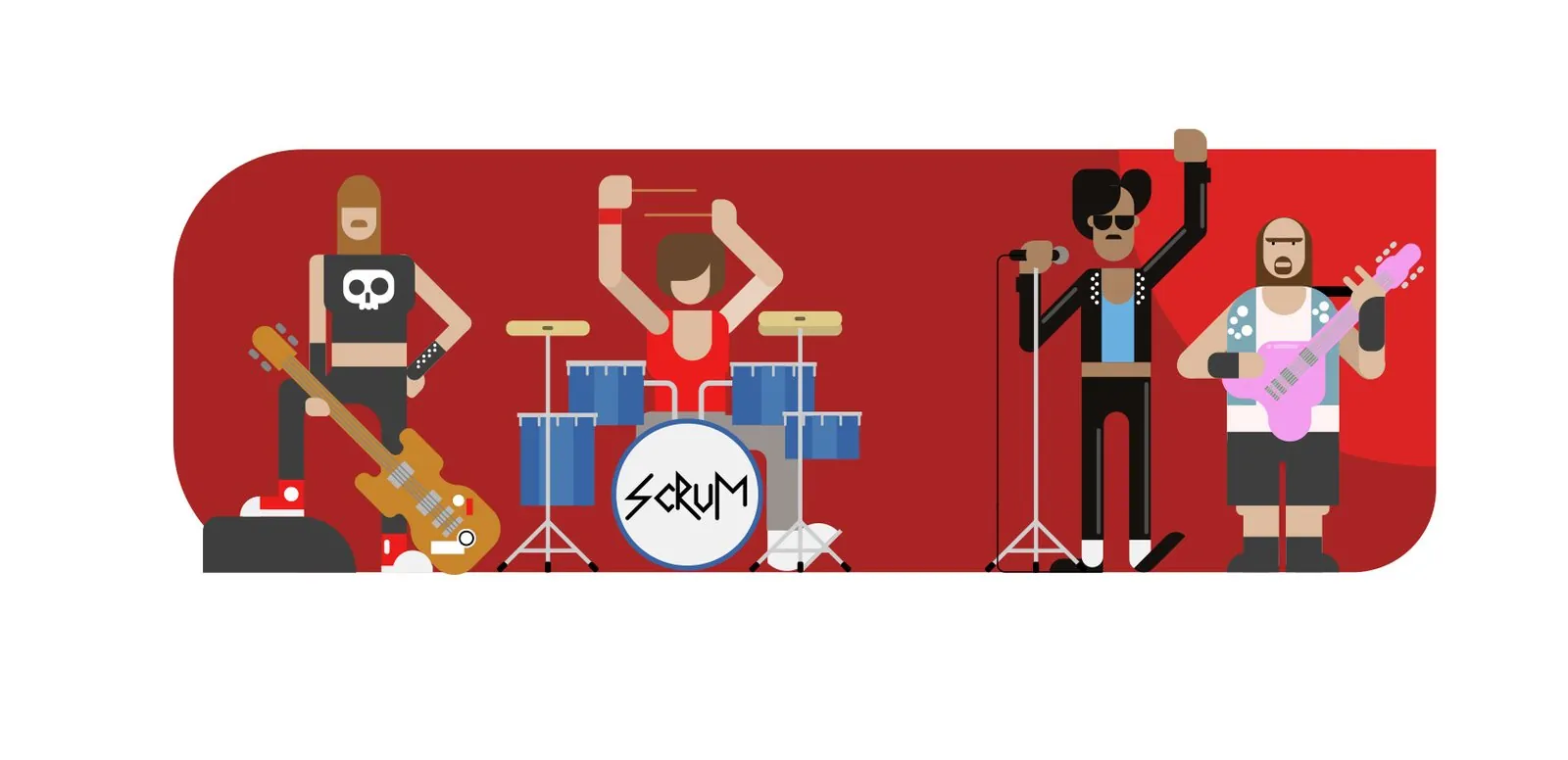
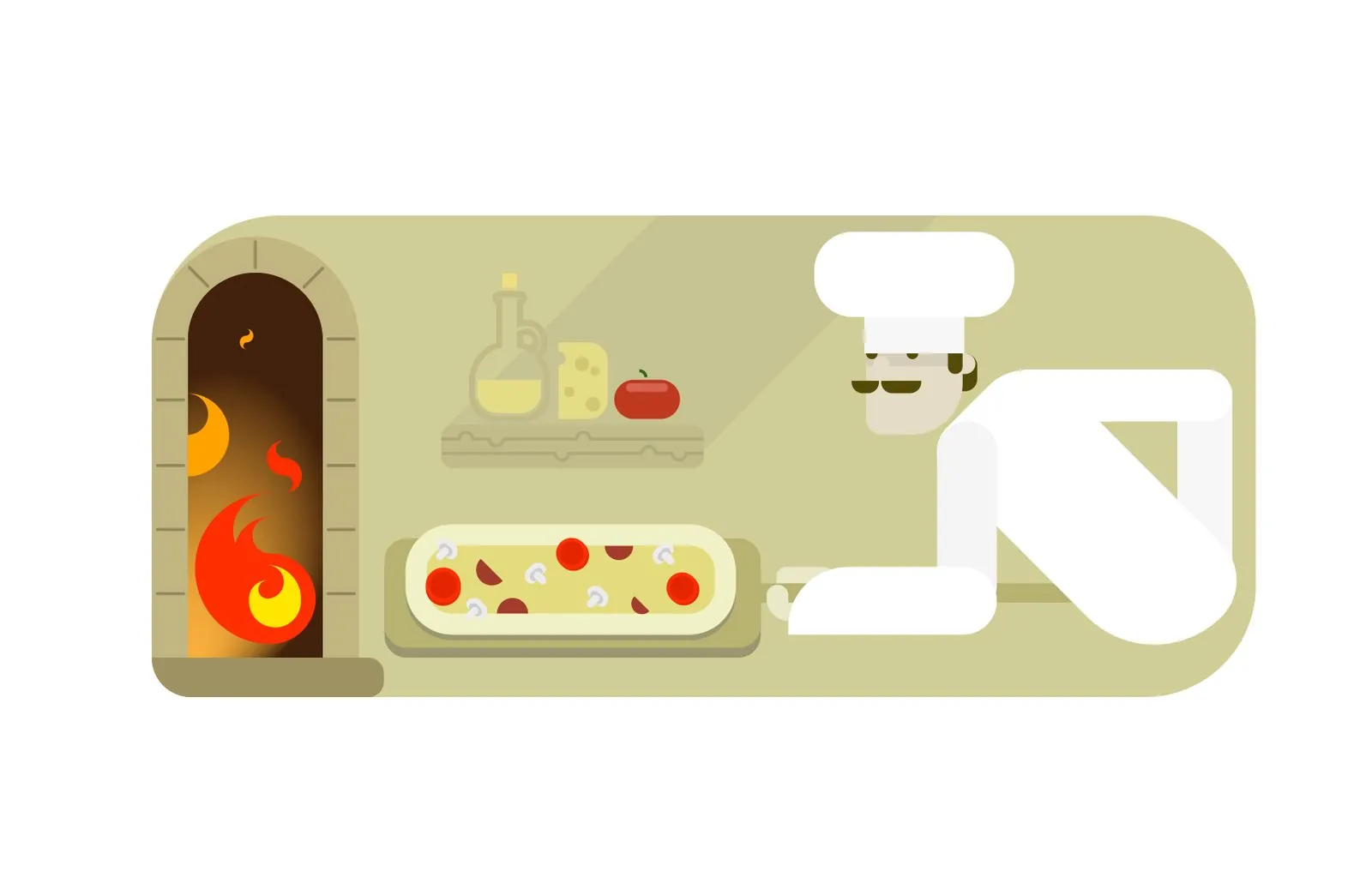
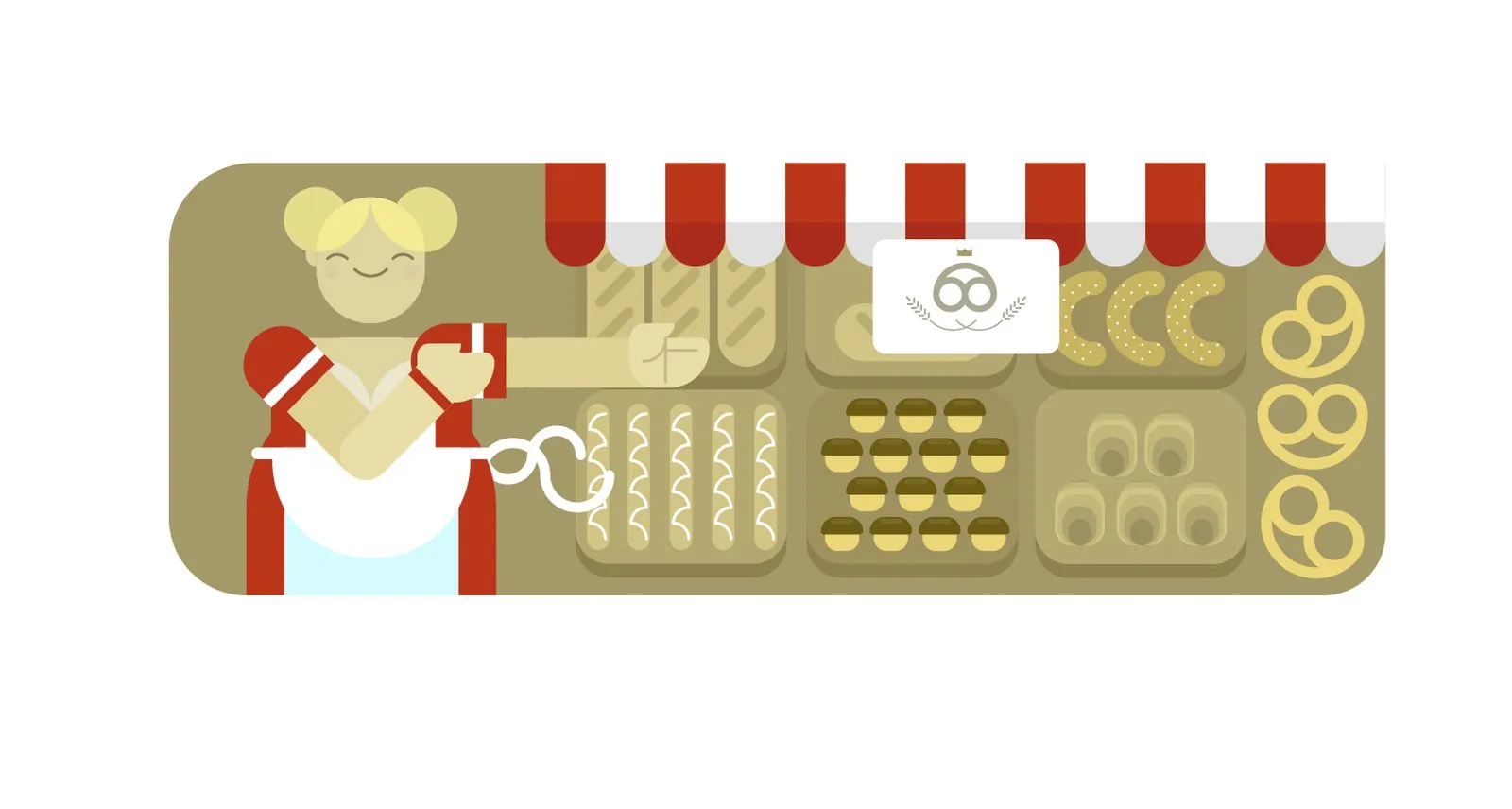
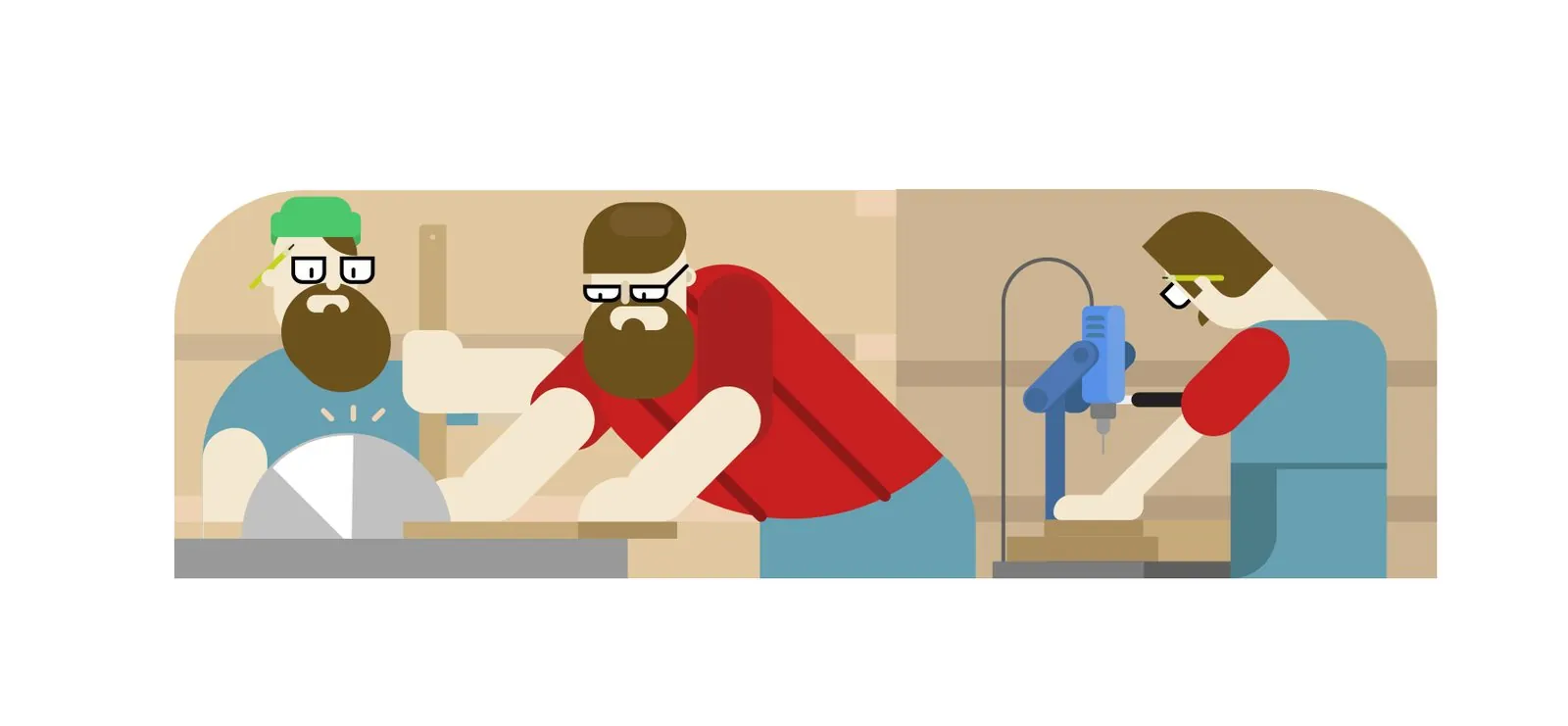
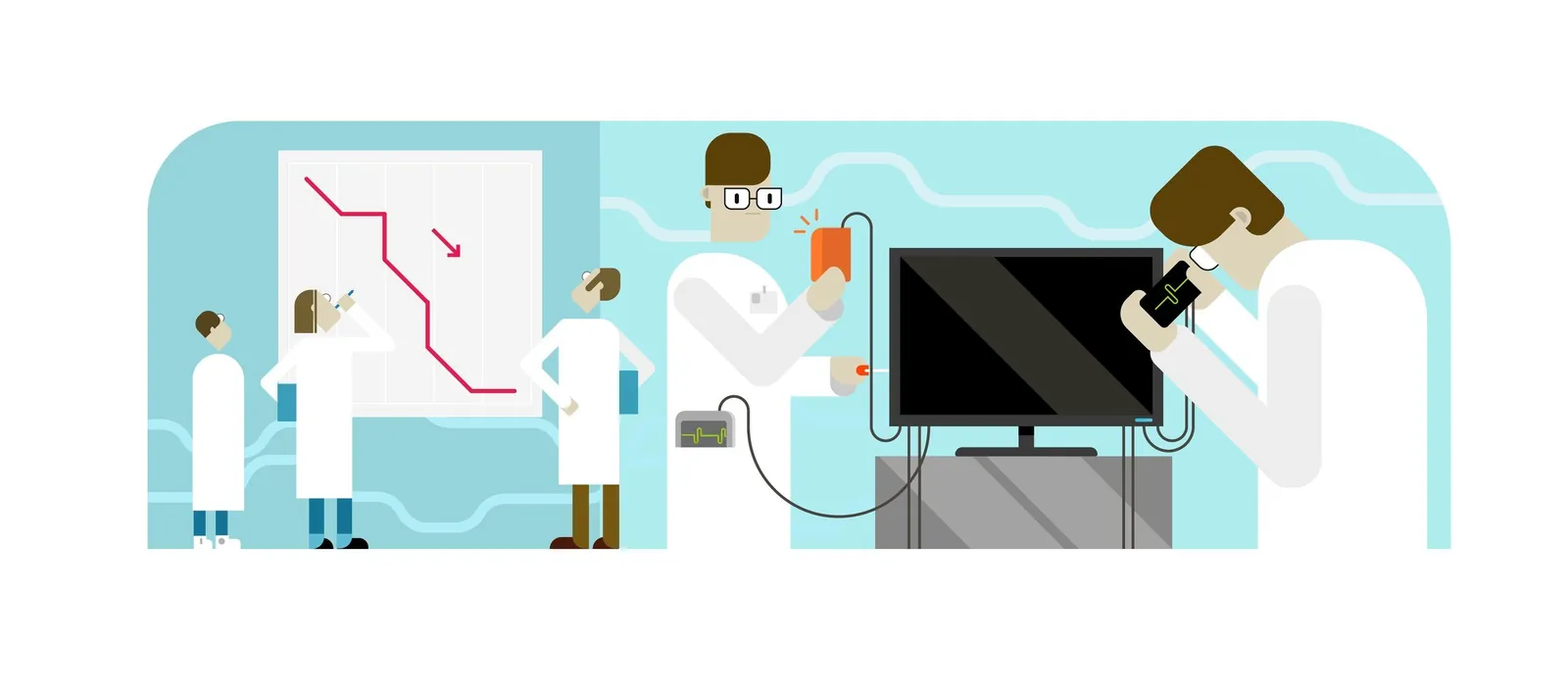
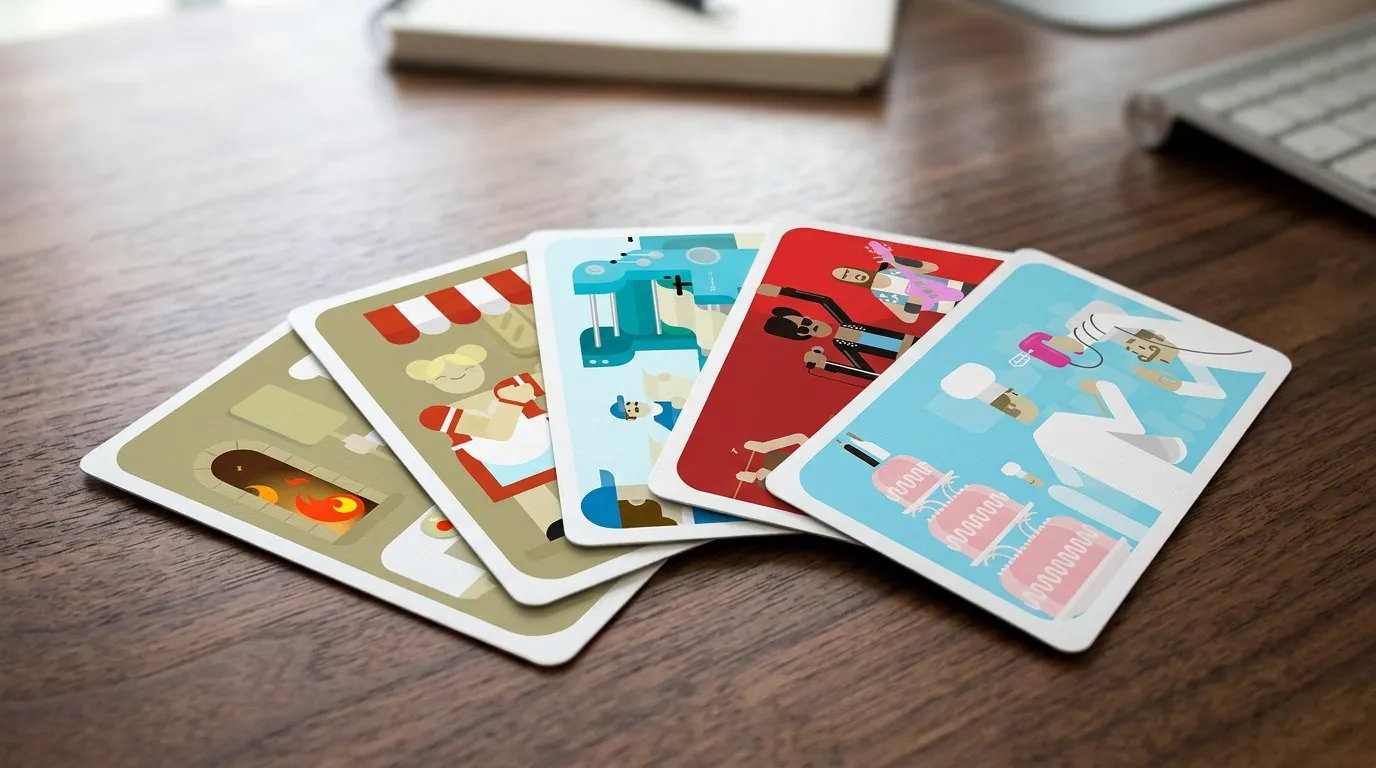
I had the opportunity to create a set of illustrations where I explored a playful, Memphis-inspired style. This approach was all about using bold, geometric shapes and vibrant colors to bring a fun and modern twist to the visuals. It was a bit of an experiment, blending simplicity with creativity, and it allowed me to make the learning experience more engaging and visually cohesive. I enjoyed the challenge of humanizing complex ideas through these stylized, yet approachable, illustrations.

Promotion

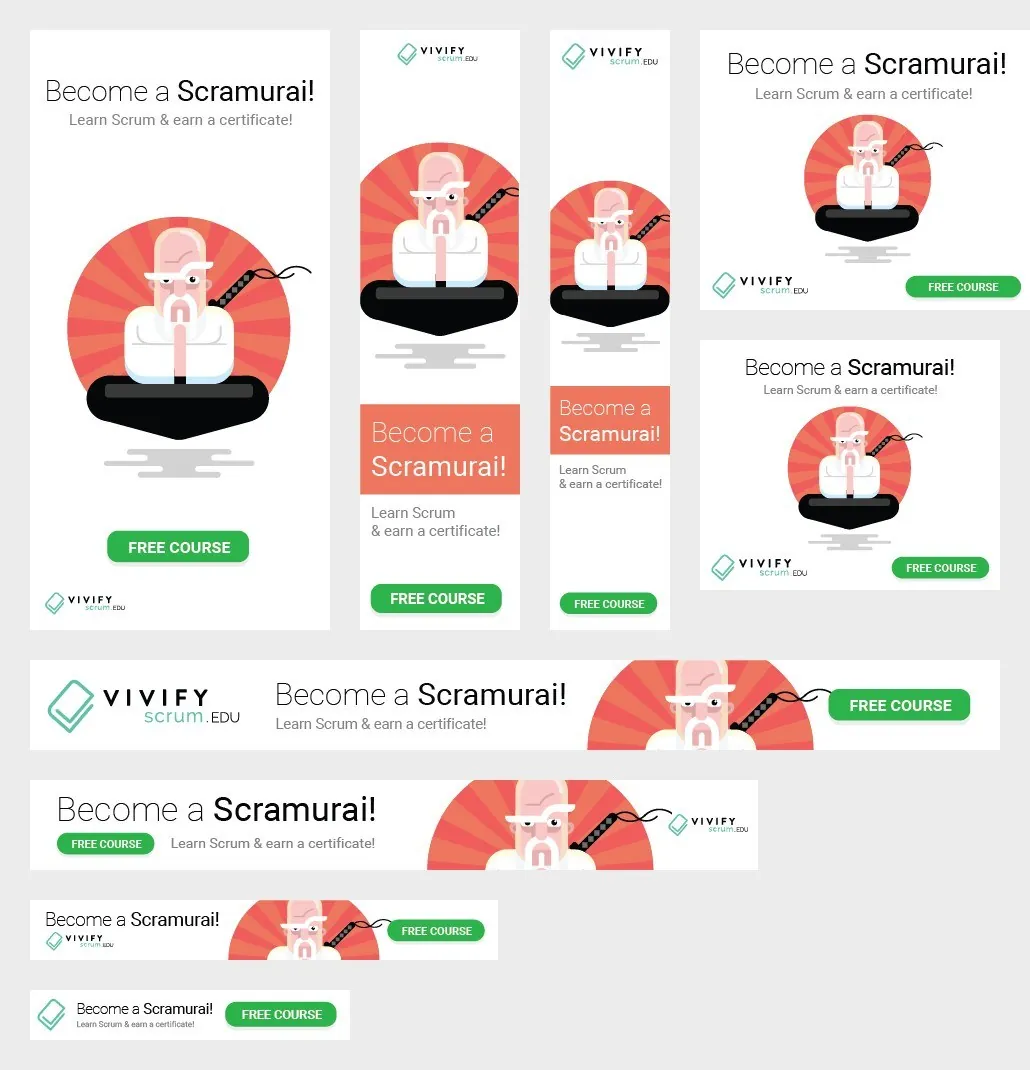
Outcomes
Although I wasn’t involved in post-launch evaluation, VivifyScrum EDU’s success — over six years of operation — demonstrates the effectiveness of my design. The platform’s longevity indicates sustained user value and satisfaction.
Lessons Learned
VivifyScrum EDU’s success highlights the importance of cohesive visual storytelling in educational platforms. While I couldn’t track post-launch metrics, the project’s longevity underscores the impact of well-executed design.

Mockups
Details
- Years
- 2015-2019
- Location
- Worldwide
- Tools
 Sketch
 InVision
 Adobe Photoshop
 Adobe Premiere
 Adobe Illustrator
 Adobe After Effects
 Abstract
- Fields
- UI/UX, Animation, Illustration
- Elsewhere
- Facebook, Wayback Machine copy