Background
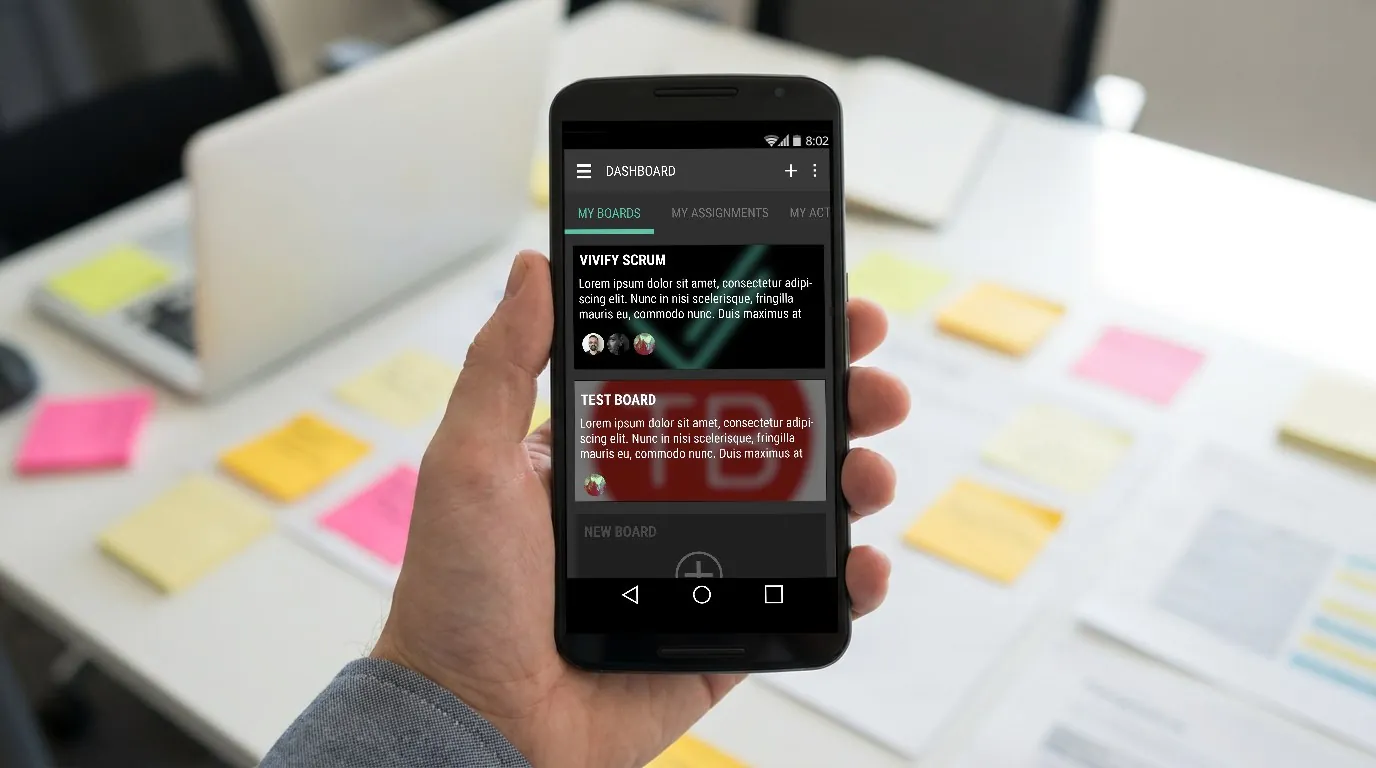
In the bustling world of agile project management, the need for a mobile solution was clear. Targeting professionals on the move, the goal was to translate the web app’s efficiency into a mobile format. As the lead designer, I was tasked with this critical translation.
Problem Statement
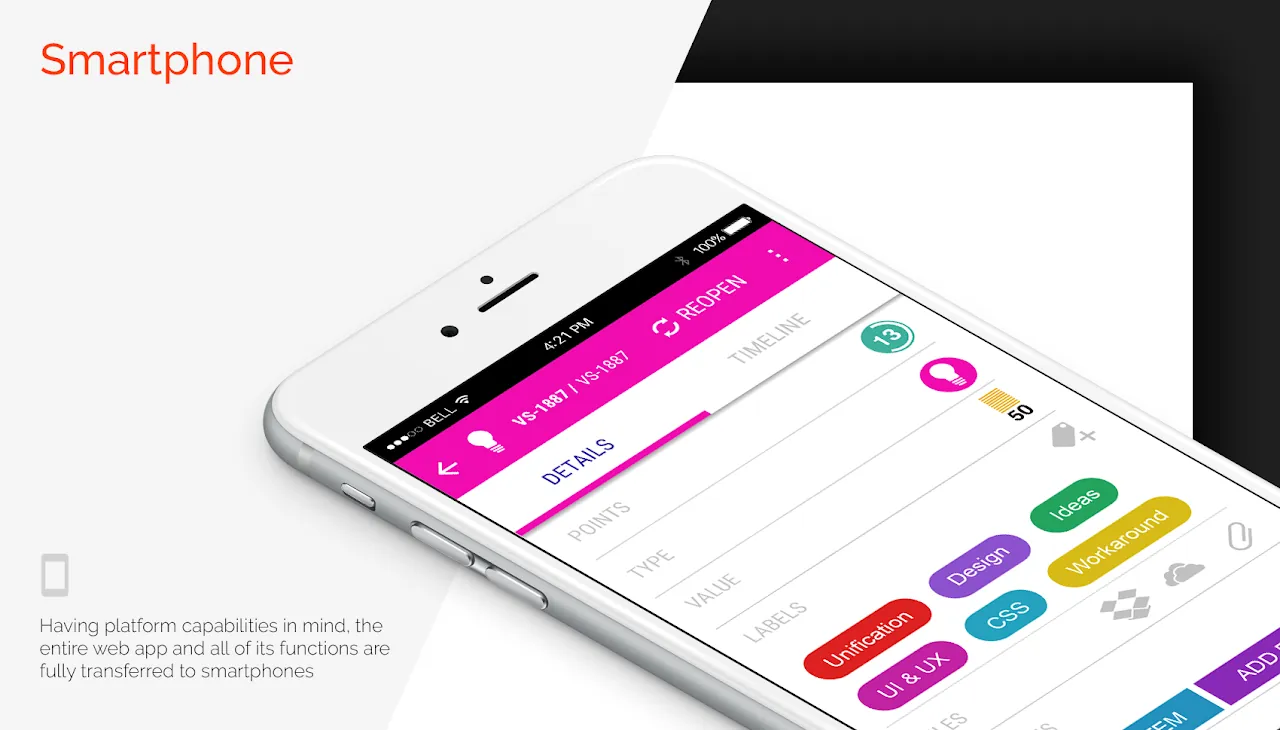
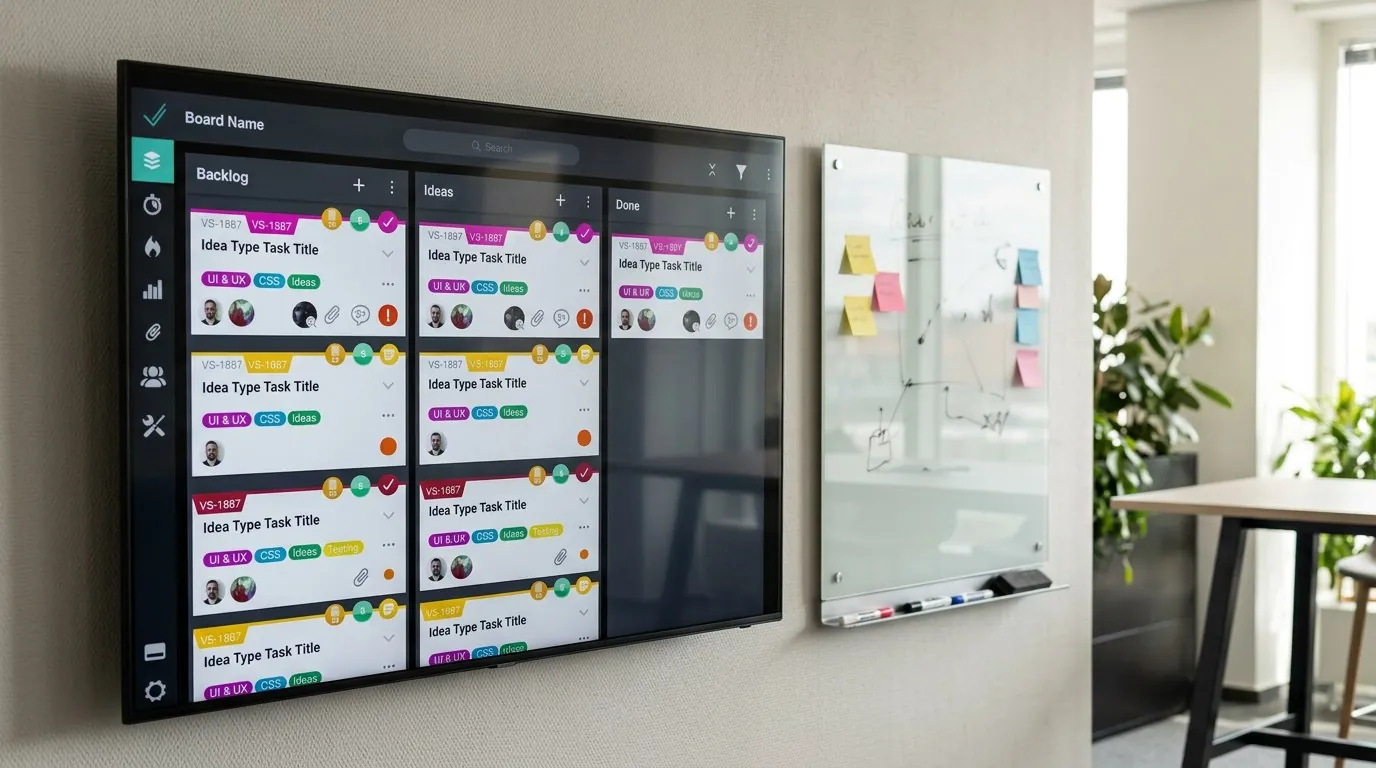
The primary hurdle was adapting the comprehensive Kanban board of the web app to the limited real estate of a mobile screen, ensuring a familiar yet innovative user experience.
Process & Development
Research
My journey with the VivifyScrum web app was immersive and all-encompassing. Working daily on the app, I was in constant interaction with every team, including marketing, which kept me in tune with user feedback and needs. This deep involvement provided me with a rich understanding of our users’ experiences and expectations. Simultaneously, I nurtured an obsession with similar productivity apps in the market, analyzing and learning from them. This blend of internal insights and external market research formed a solid foundation for my approach to the iOS app, ensuring that every design decision was informed and purposeful.
Design
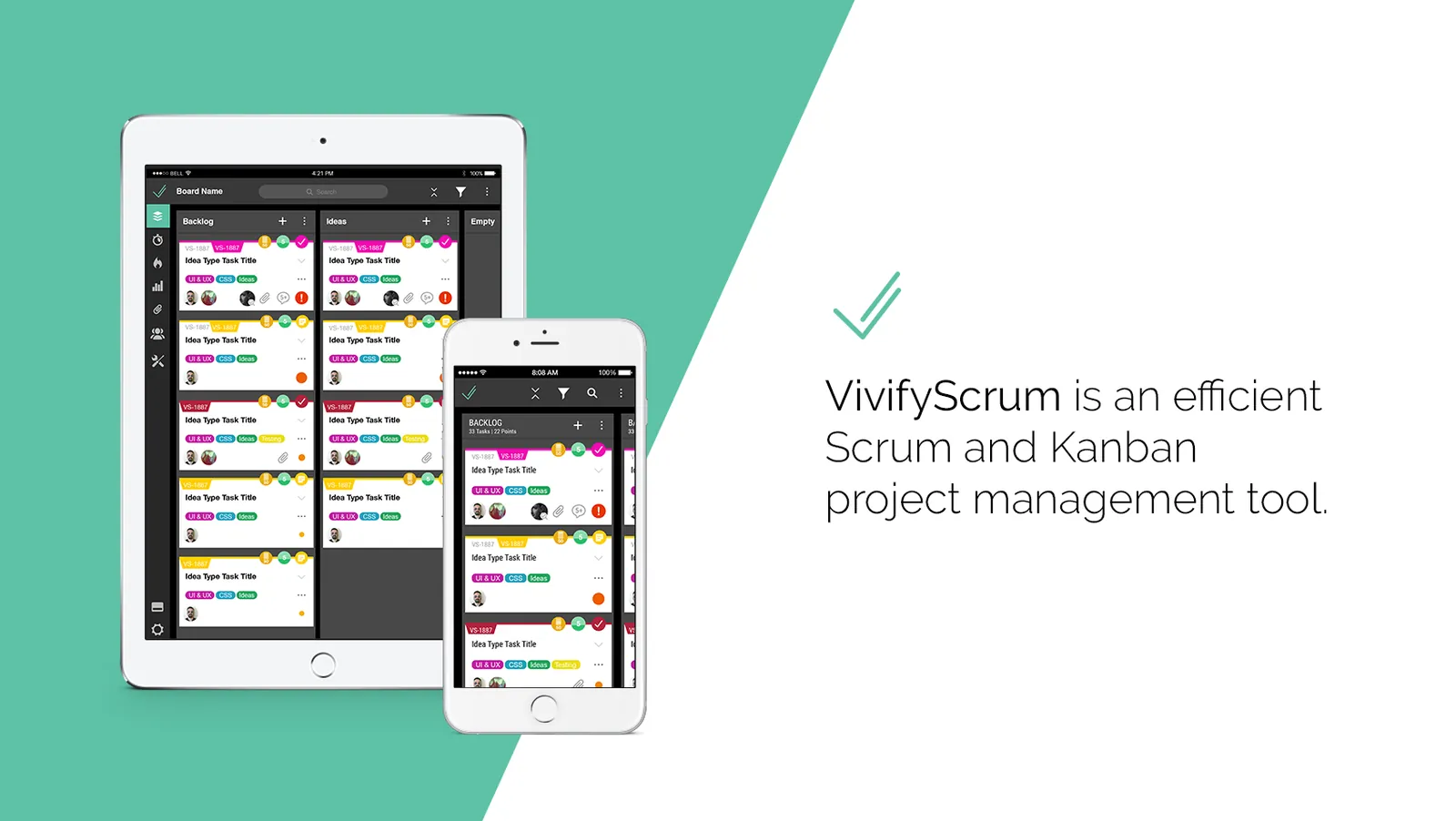
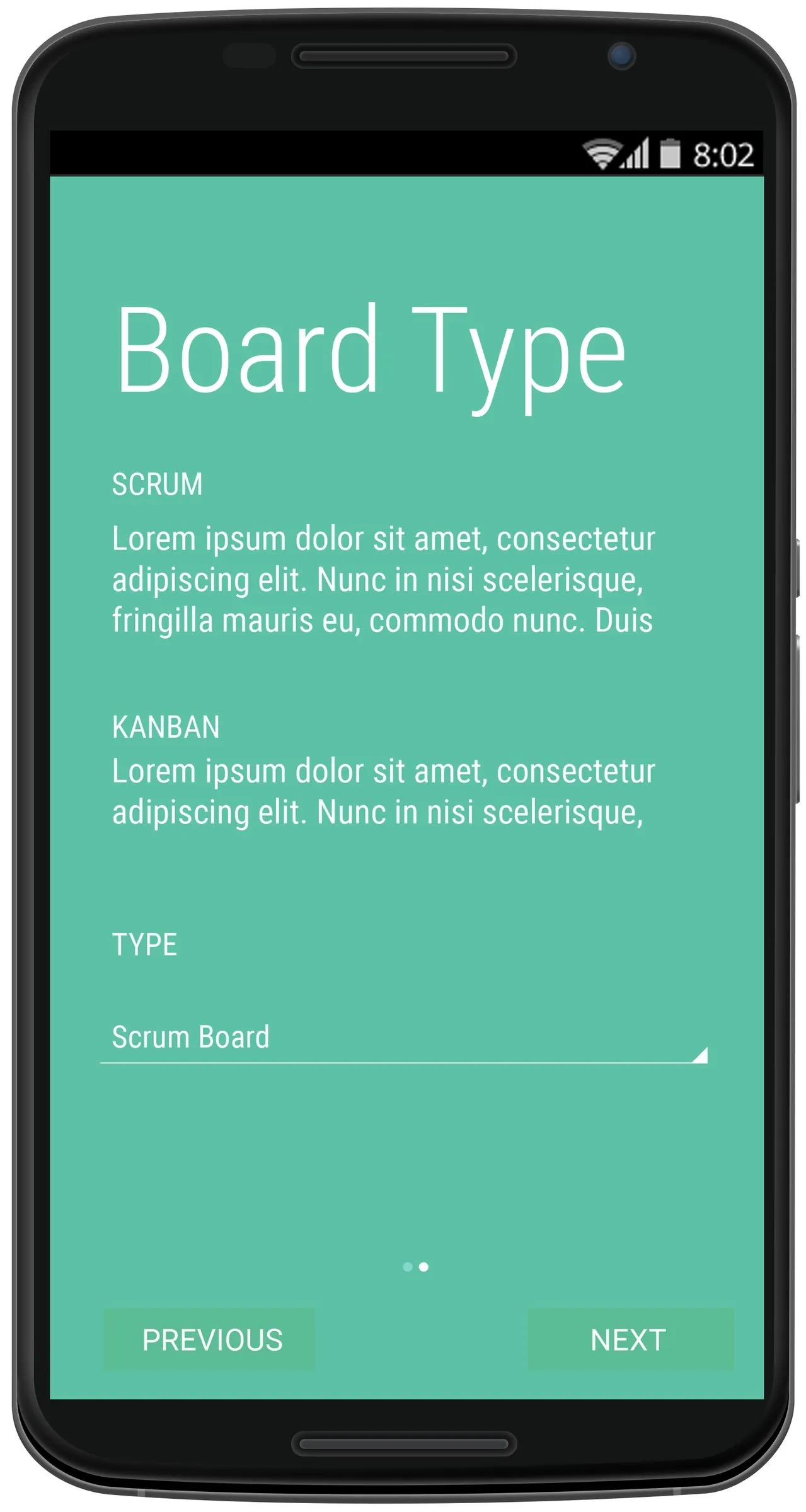
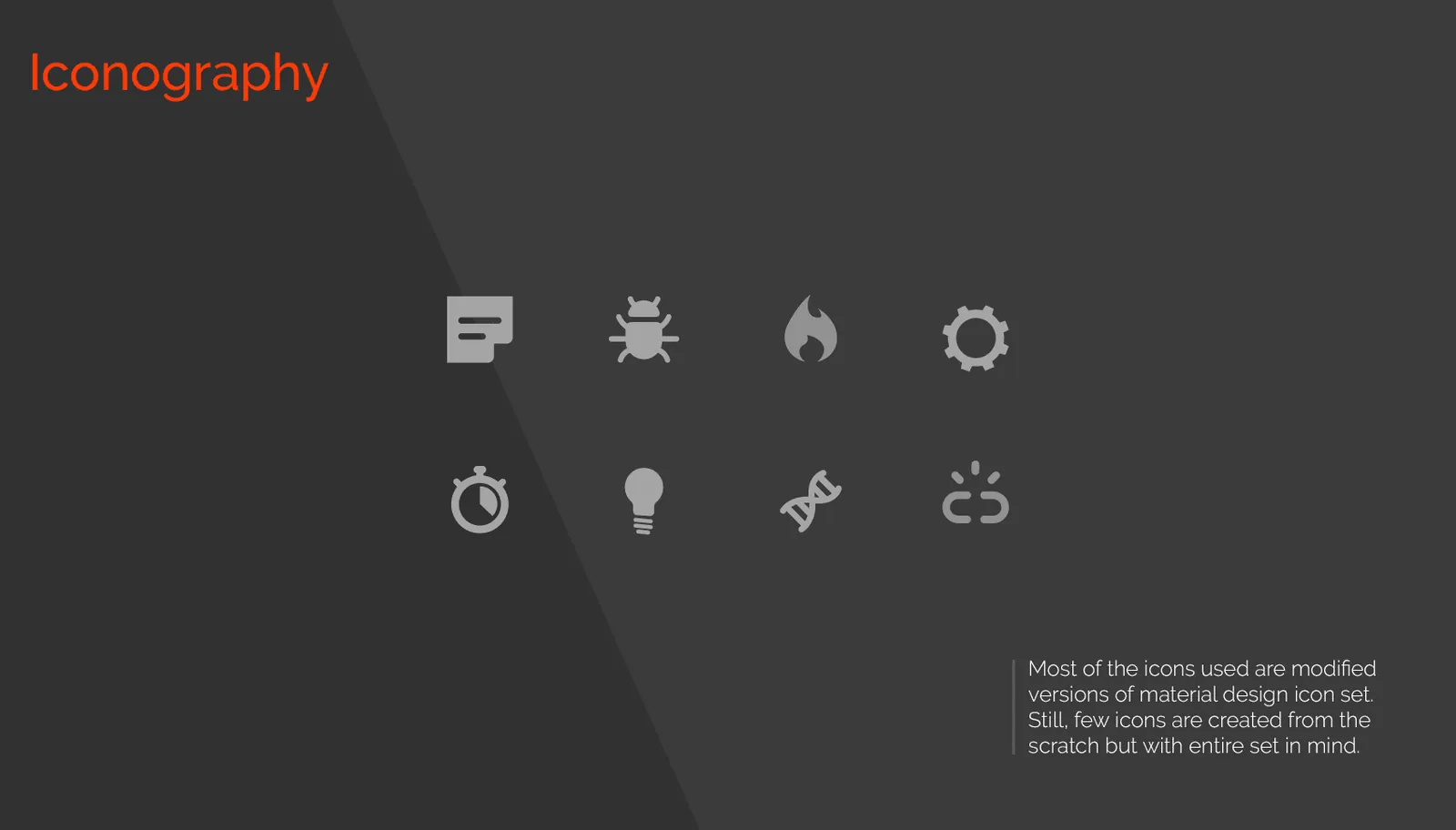
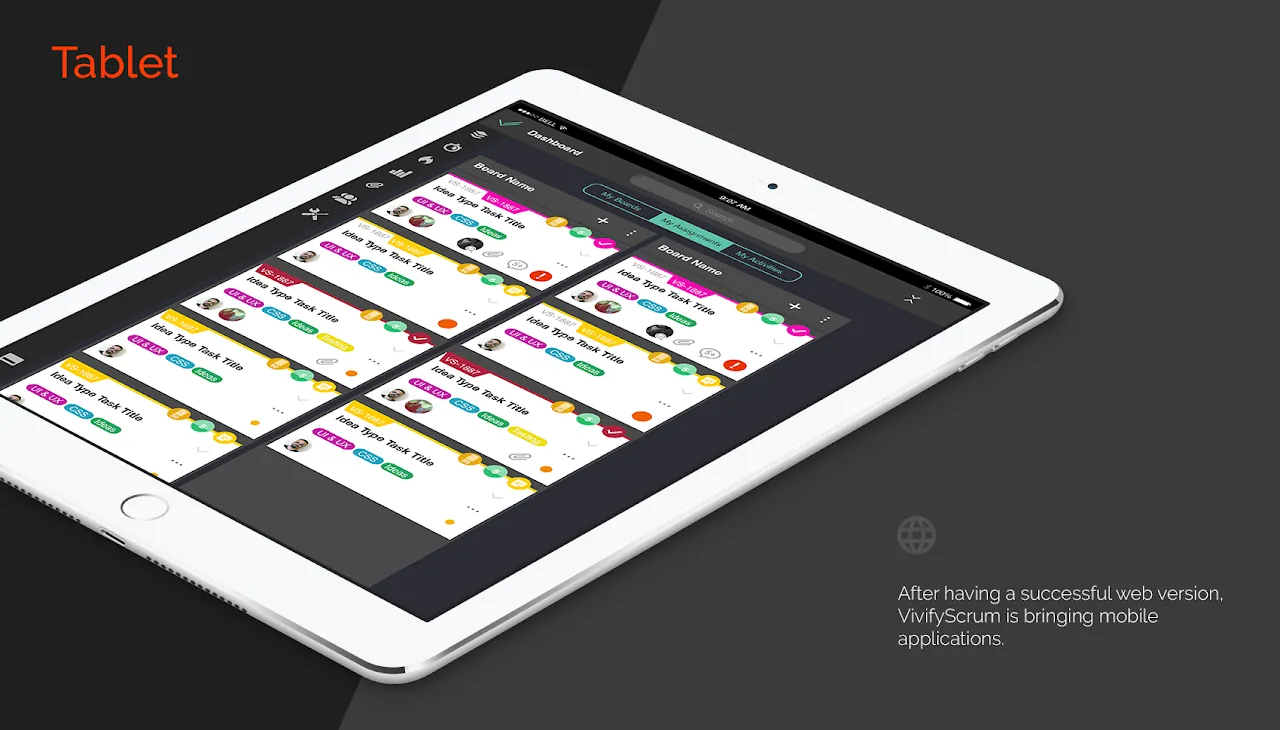
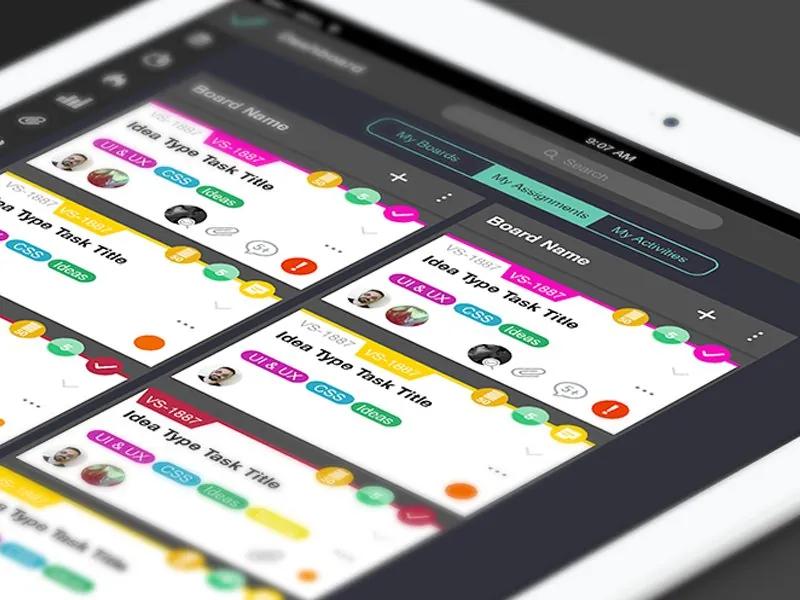
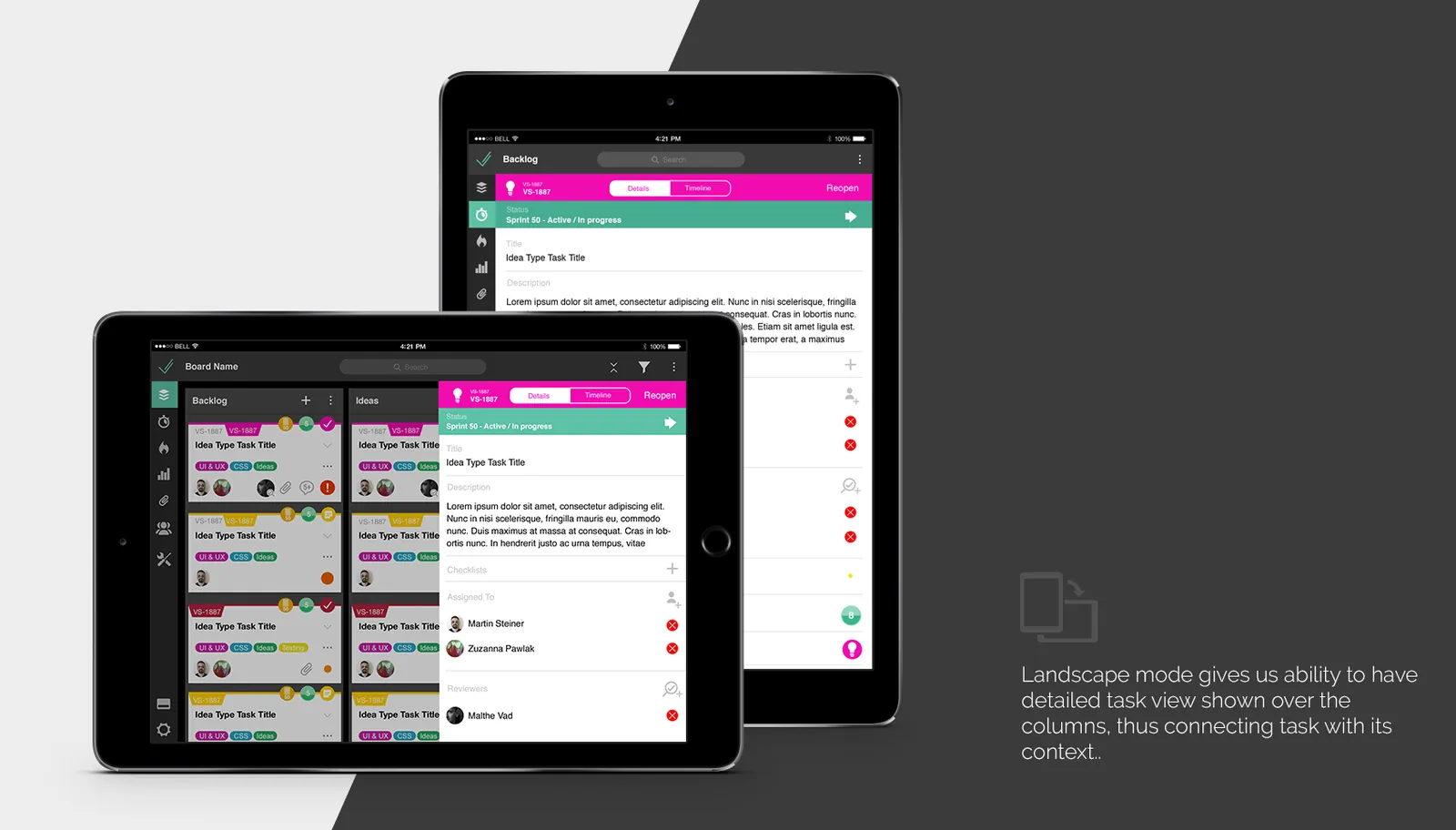
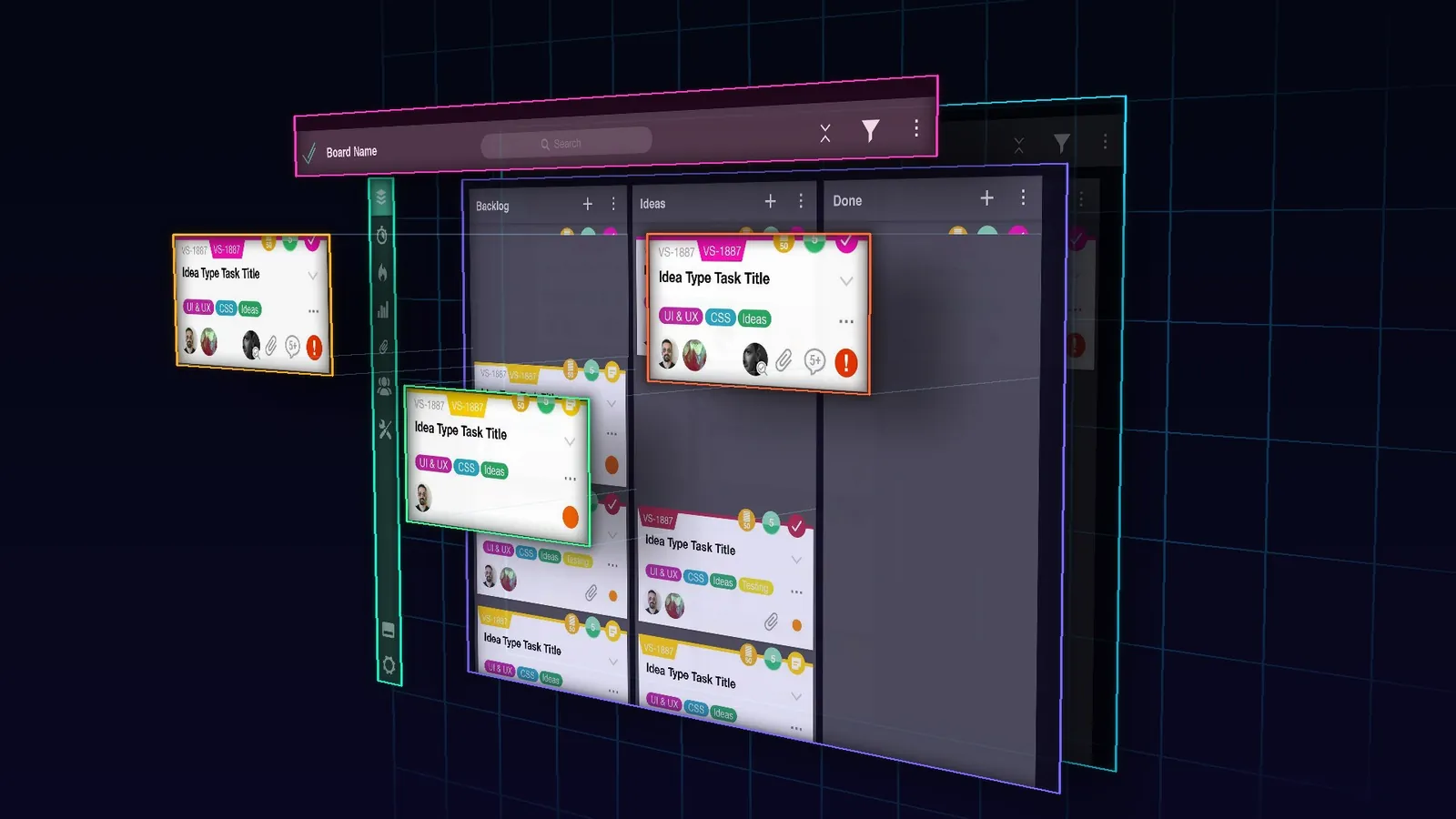
In the design phase of the VivifyScrum iOS app, we embraced minimalism, stripping down to what was essential and functional. The interface was intentionally crafted to prevent cognitive overload, ensuring users could navigate the app with ease and clarity. One of the central features was the innovative partial display of adjacent Kanban columns. This allowed for a glimpse into the neighboring columns without leaving the current context, which made task management more intuitive, especially on smaller screens where space is at a premium. This thoughtful design consideration significantly enhanced the app’s usability, marrying simplicity with efficiency.
Development
The development phase of the VivifyScrum iOS app was a symphony of collaboration and communication. Working closely with a talented team of developers, we ensured that every design aspect was not only visually appealing but also technically feasible. This partnership was crucial, as it allowed us to swiftly iterate and refine features, keeping user and stakeholder feedback at the forefront. Regular meetings, shared workspaces, and open channels of communication helped us align our goals, troubleshoot effectively, and bring to life an app that was both a technical marvel and a user-friendly tool. This synergy between design and development was key to the app’s success.
Solution
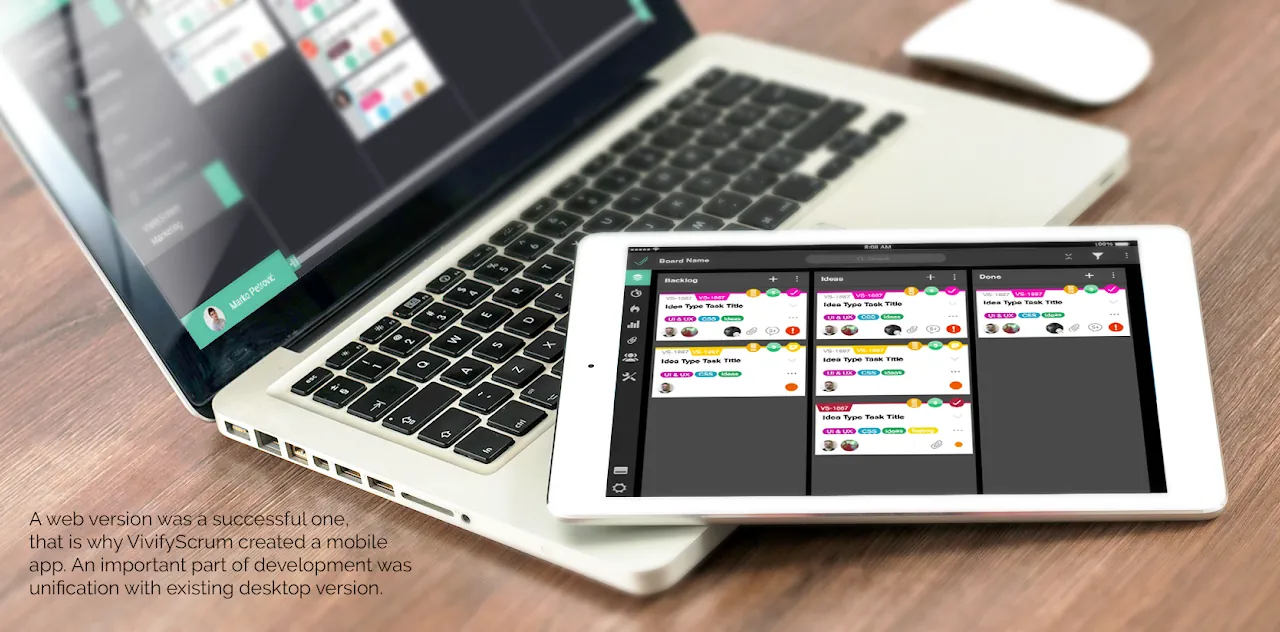
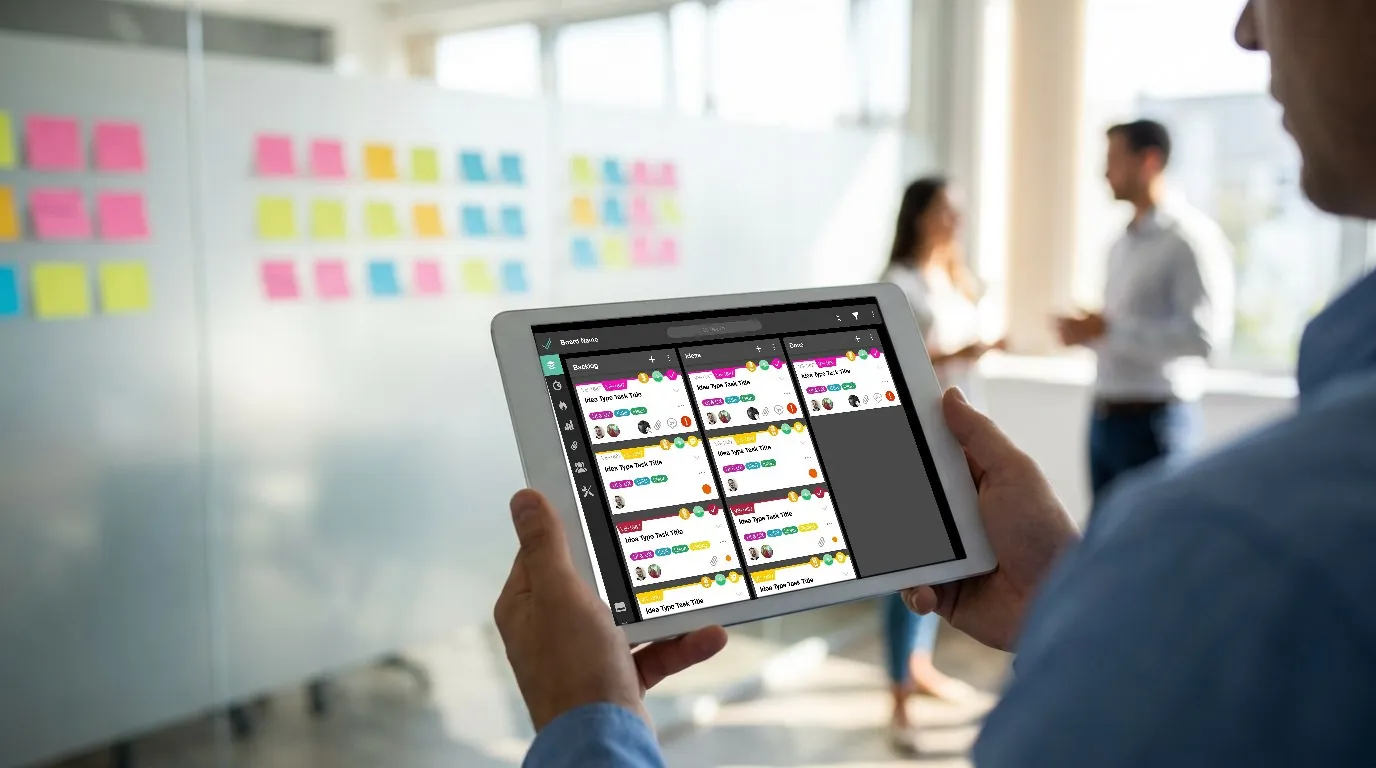
A Reimagined Kanban Experience: In the heart of the VivifyScrum iOS app lies the reimagined Kanban board — a design marvel tailored for the mobile interface. I envisioned and executed a unique layout where the central column dominates the screen, subtly flanked by the beginnings of adjacent columns. This innovative arrangement enabled users to effortlessly glide tasks from one column to another, revolutionizing the way agile teams interacted with Kanban on mobile devices. This feature, more than just a design element, became a symbol of the app’s commitment to enhancing mobile agility, blending intuitiveness with functionality. It was a bold step in redefining user interaction with project management tools on smaller screens.
Results & Impact
Market Response and User Engagement: Upon its release, the VivifyScrum iOS app was met with an enthusiastic reception. The novel Kanban interaction, central to the app’s redesign, quickly garnered attention for its ingenuity. Initially, some users expressed resistance, a natural response to the introduction of a new interaction paradigm in a well-established field. However, this skepticism soon transformed into widespread acceptance as users experienced the enhanced usability and efficiency firsthand. Metrics reflected this positive shift, showing significant improvements in user engagement and task management efficiency. This acceptance validated the innovative approach, marking the app as a pioneer in mobile project management solutions.
Lessons Learned
The VivifyScrum iOS app project was a profound learning experience. It underscored the paramount importance of user feedback in shaping design choices. Regularly integrating user insights ensured that the app not only met but exceeded user expectations. Additionally, this journey highlighted the delicate balance between innovation and familiarity. While introducing novel features like the reimagined Kanban interaction, it was crucial to retain elements familiar to our users to ensure a comfortable transition. This equilibrium between pioneering new paths and respecting established user habits was instrumental in the successful adoption of the app.
Conclusion
The VivifyScrum iOS app exemplifies the transformative impact of user-centered design in the realm of digital product development. By meticulously adapting complex web functionalities to a mobile interface, the app has set a new benchmark in mobile agile project management. It stands as a beacon of how deep user understanding, coupled with innovative design solutions, can create an app that not only meets but revolutionizes user expectations and experiences. This project has not only achieved its objectives but has also paved the way for future innovations in mobile app design.
Mockups
Details
- Years
- 2015-2019
- Industry
- CommunicationSoftware
- Tools
 Adobe Illustrator
 Adobe XD
 InVision
- Fields
- Interaction Design, UI/UX, Icon Design
- Behance
- VivifyScrum, iOS App
- Elsewhere
- Wayback Machine copy