Project Role & Design Approach
As the lead product designer, my responsibility was to bring the client's vision to life. This involved managing the project from early conceptualization to final execution, including developing a unique illustration style for the app's user interface.
Research
For Zwork I built a set of user personas on the 16 personality types, which sort people by traits such as introversion and extroversion, sensing and intuition, thinking and feeling, judging and perceiving. The personas covered the whole range of types, so the app's features and interface were shaped for many kinds of users. It helped make Zwork a task marketplace that suits the different ways people take on and hand out work.
Design Philosophy
Custom Illustrations
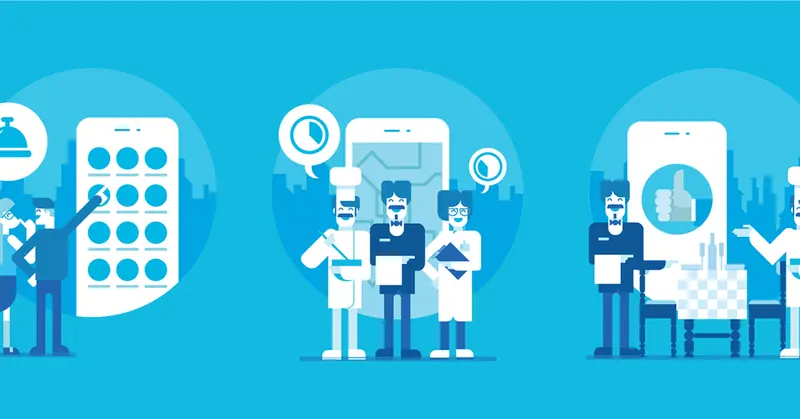
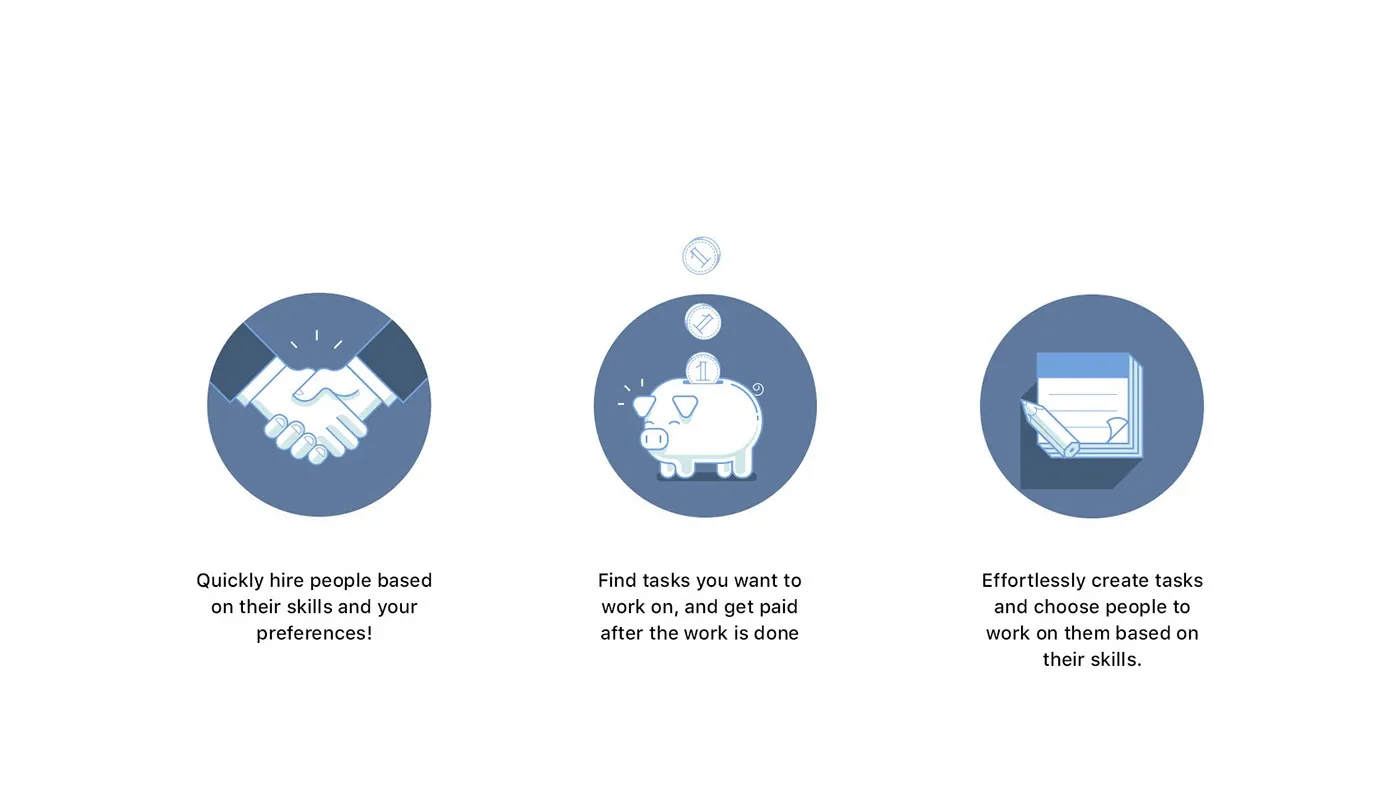
The app features simple, modern vector illustrations, carefully crafted to guide new users through an introductory tutorial. These visuals are not only aesthetically pleasing but also functional, enhancing user comprehension and engagement.
UI/UX Design
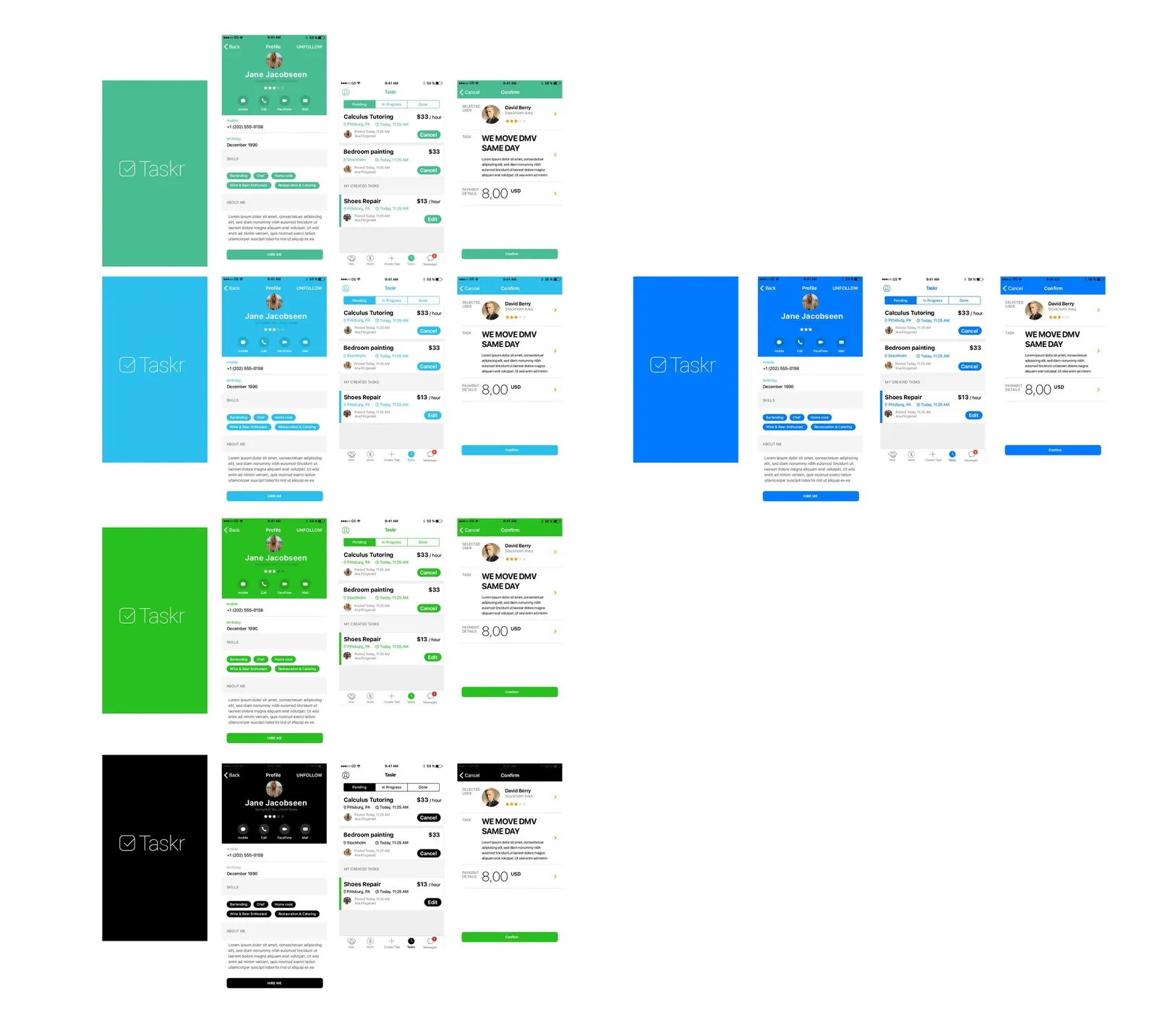
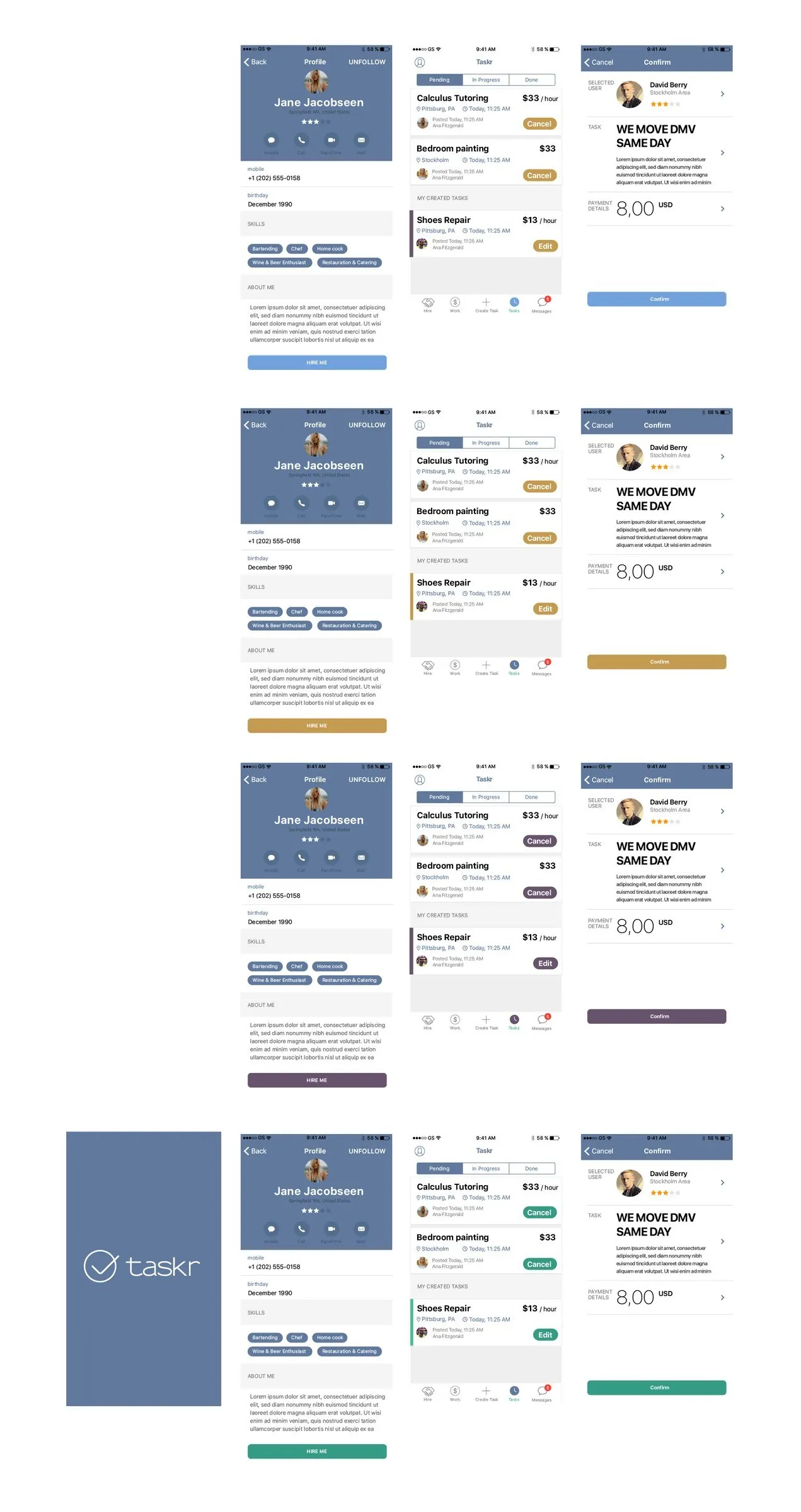
In designing Zwork's user interface, the emphasis was on simplicity and familiarity. We avoided complex flows and introduced straightforward controls, acknowledging the app's wide and diverse user base. The goal was to create an interface that was clean, intuitive, and devoid of ambiguous icons.
Key Features
Marketplace
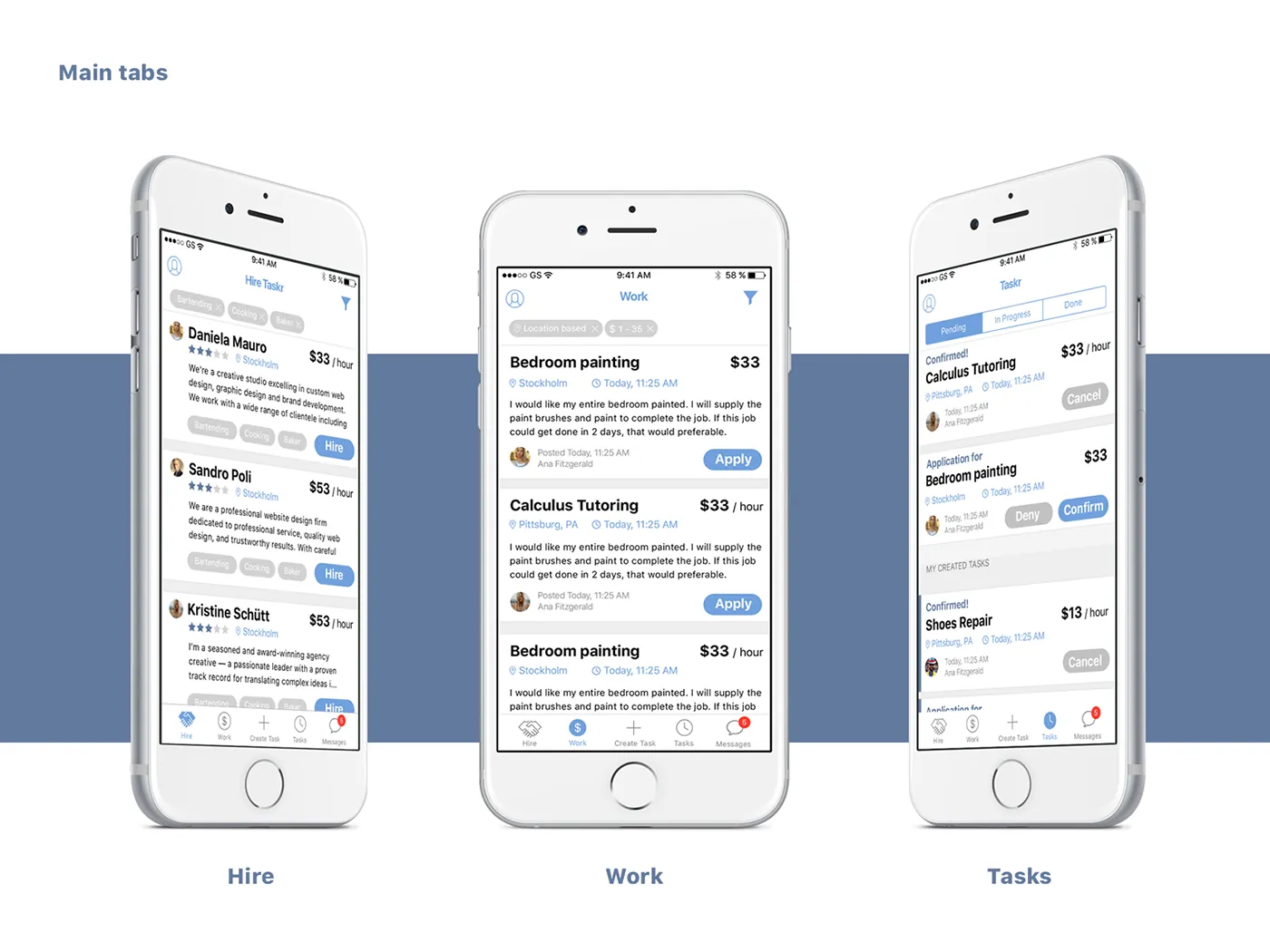
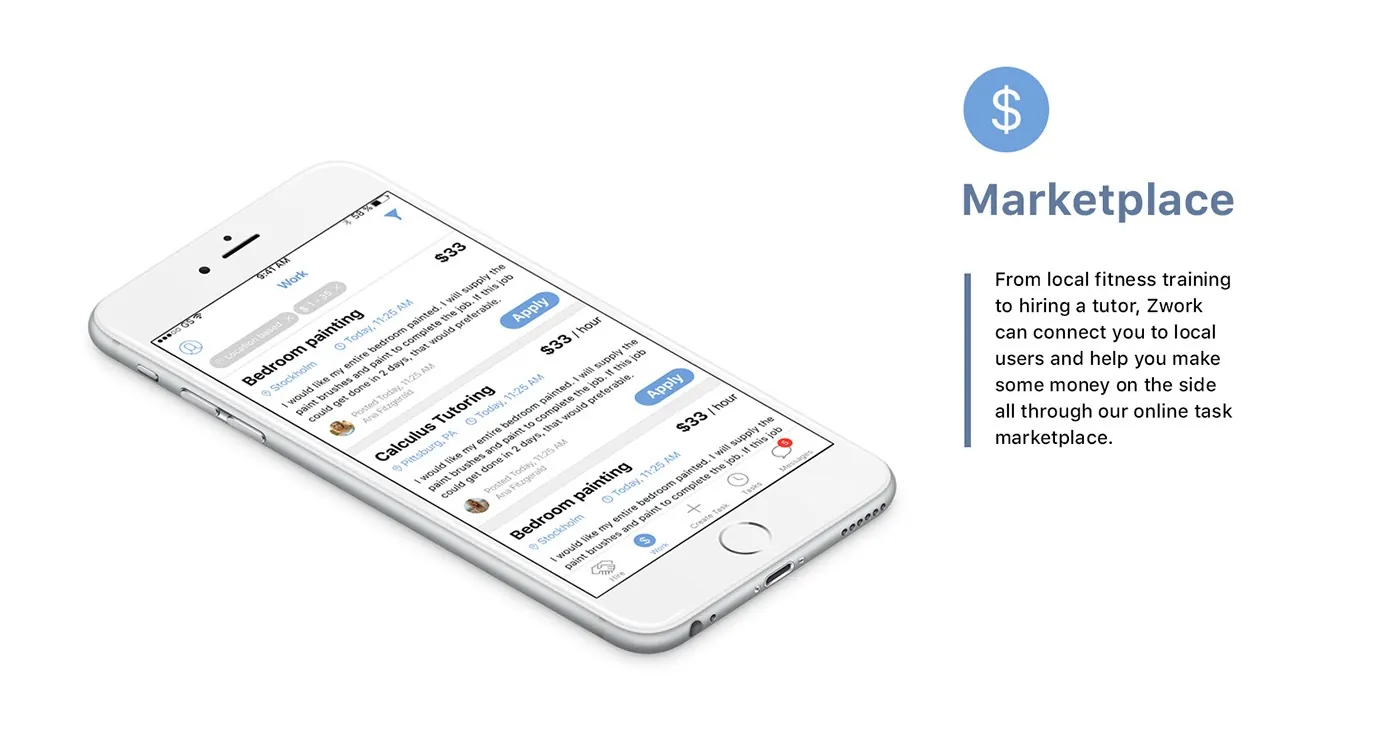
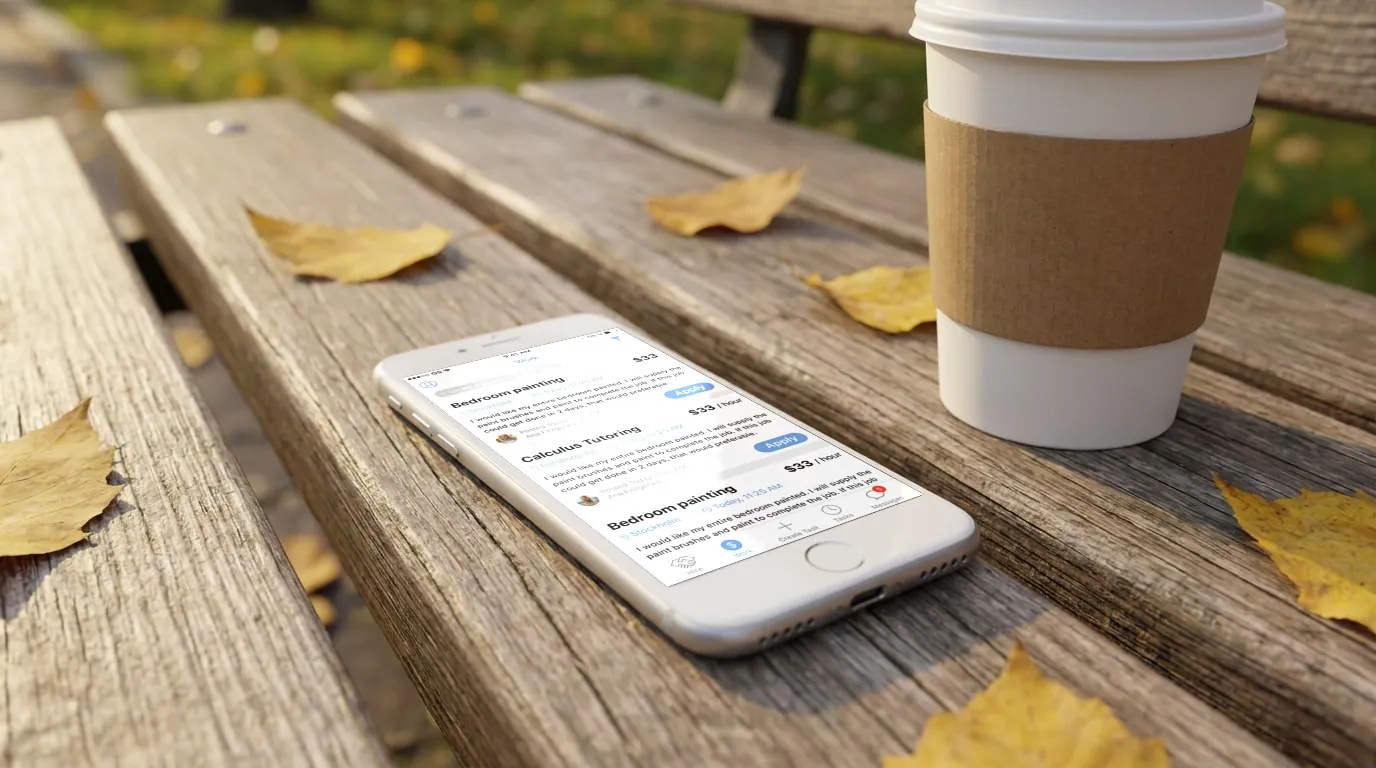
The Marketplace feature in Zwork serves as the central hub for task exchange, elegantly designed to connect users with local opportunities. Whether it's someone looking for a fitness trainer or a tutor, Zwork's marketplace provides a streamlined interface where users can easily browse through a variety of available tasks. Displayed on a smartphone, the interface shows a list of tasks with clear pricing and descriptions, making it effortless for users to apply to jobs that match their skill set and preferences. With its user-friendly design, the marketplace empowers users to engage with the community and monetize their talents, embodying the versatility and convenience of the modern gig economy.
Profile & Task Screens
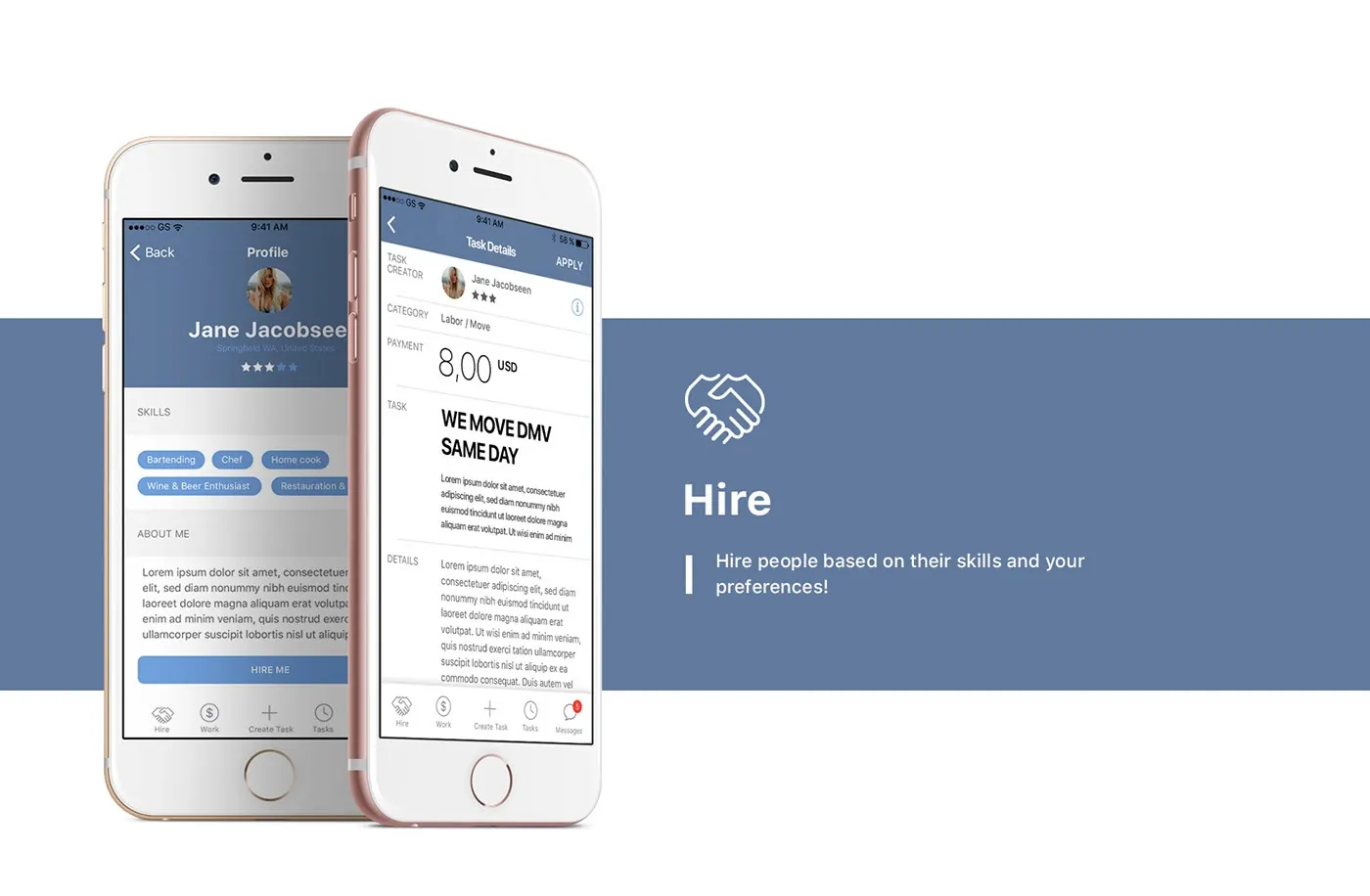
The Profile screen is clean and scalable, crucial for representing potential hires effectively. The Task screen, on the other hand, focuses on transparently detailing the tasks at hand. This approach ensures that both service providers and job seekers have all the necessary information at their fingertips.
Financial Dashboard
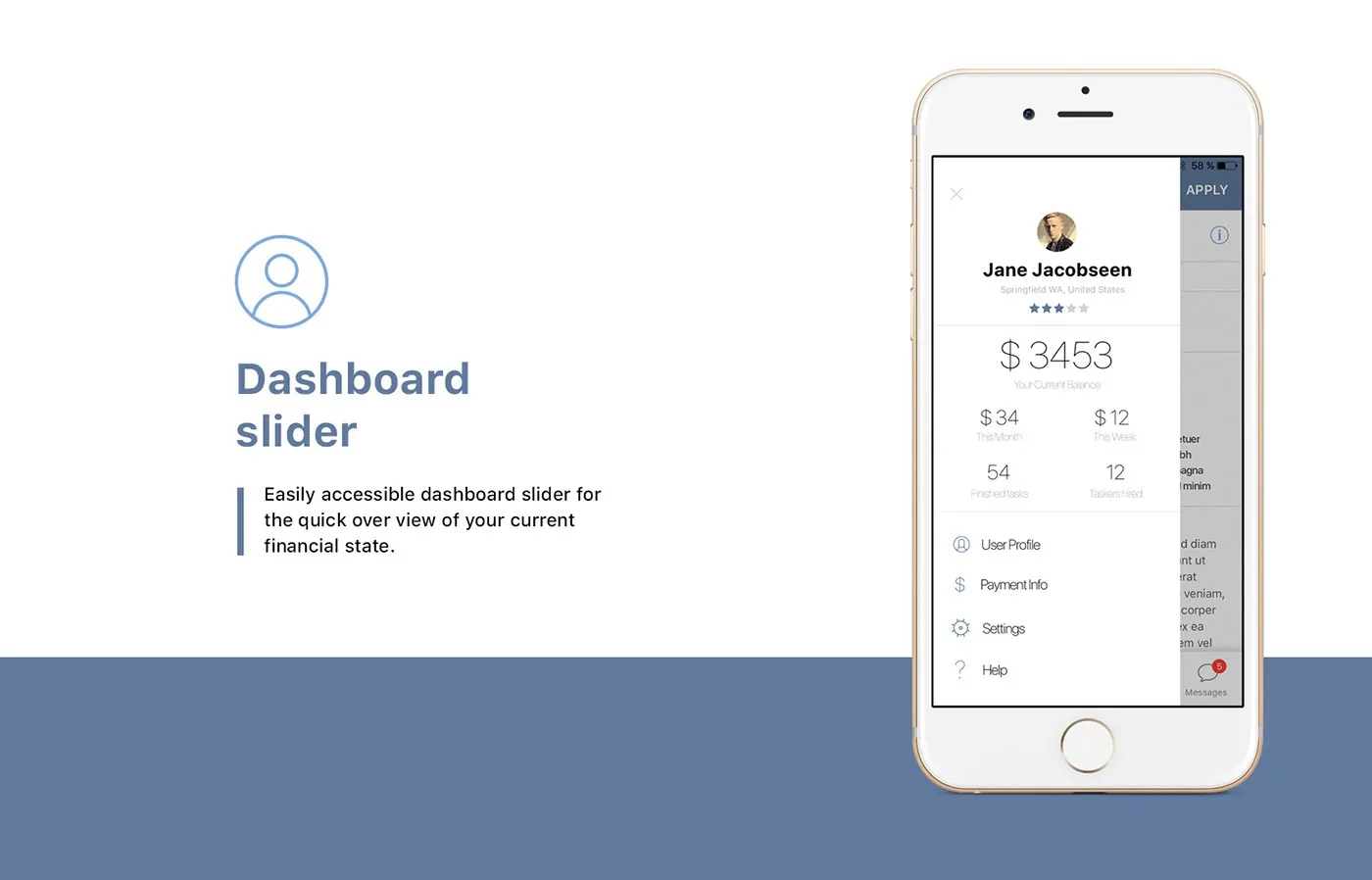
The financial dashboard is a standout feature, designed to provide users with a quick overview of their earnings. This instant visibility acts as an incentive, encouraging continued and increased use of the app.
Negotiation Flow
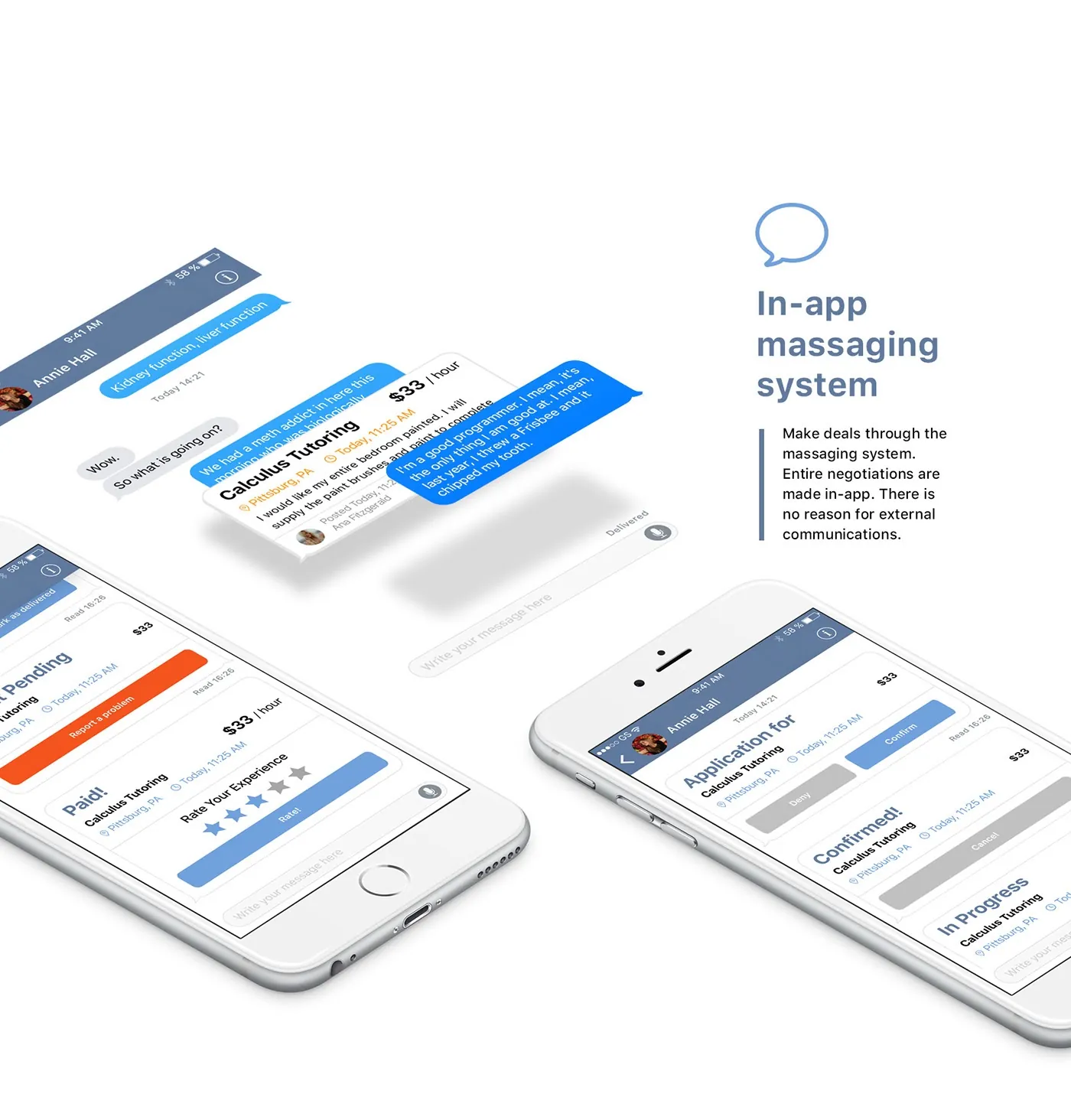
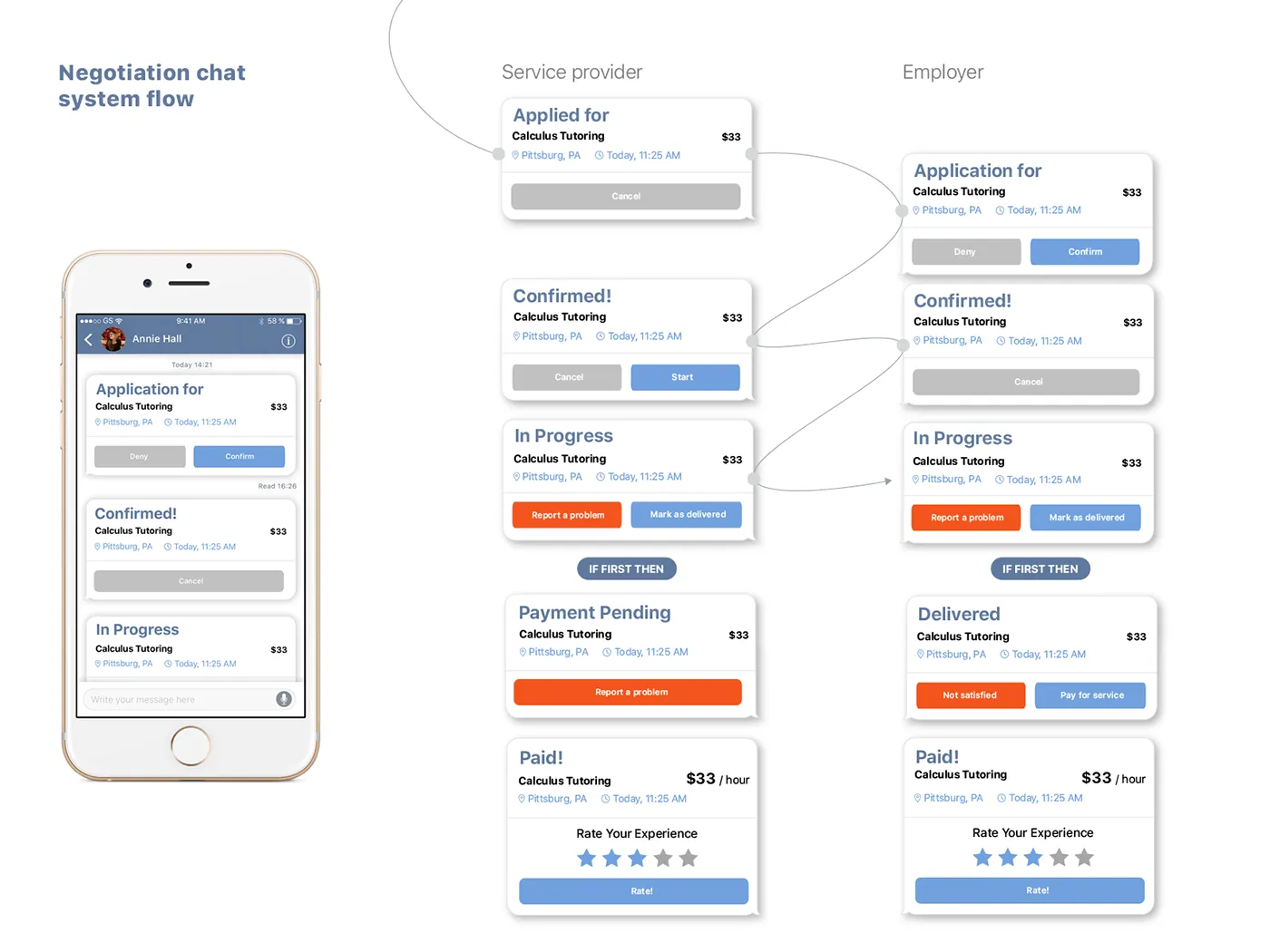
The negotiation flow is the app's pinnacle, facilitating communication between users. It's designed to minimize the need for extensive text input, relying instead on a guided, choice-based interaction similar to a messaging app.
Logo Design
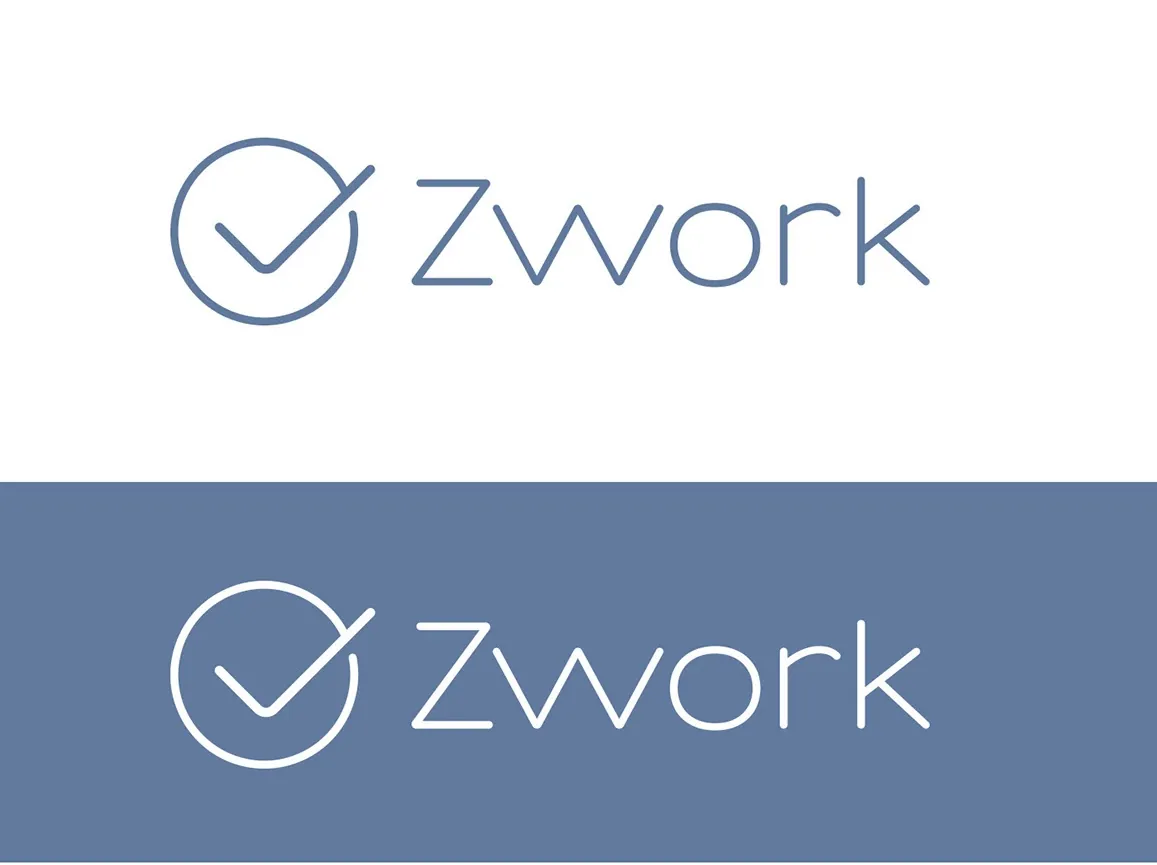
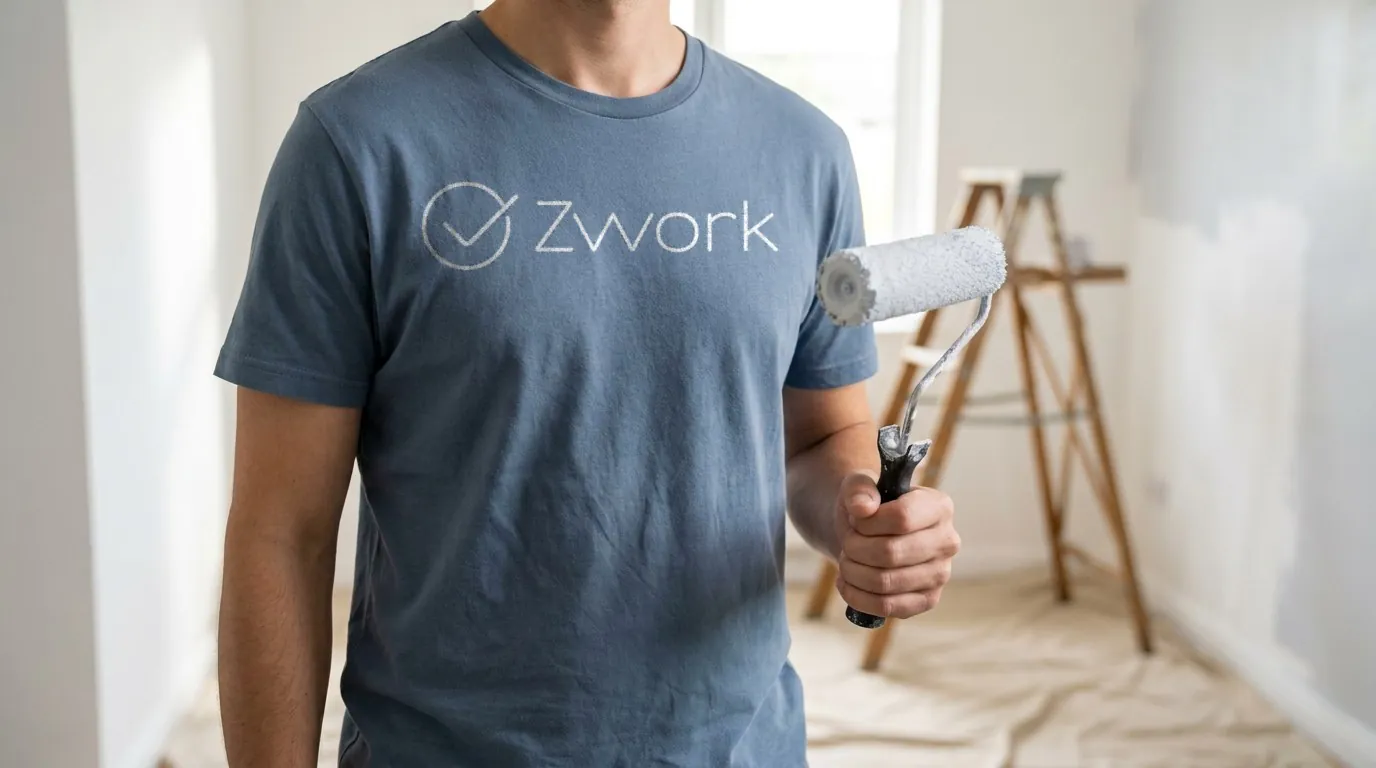
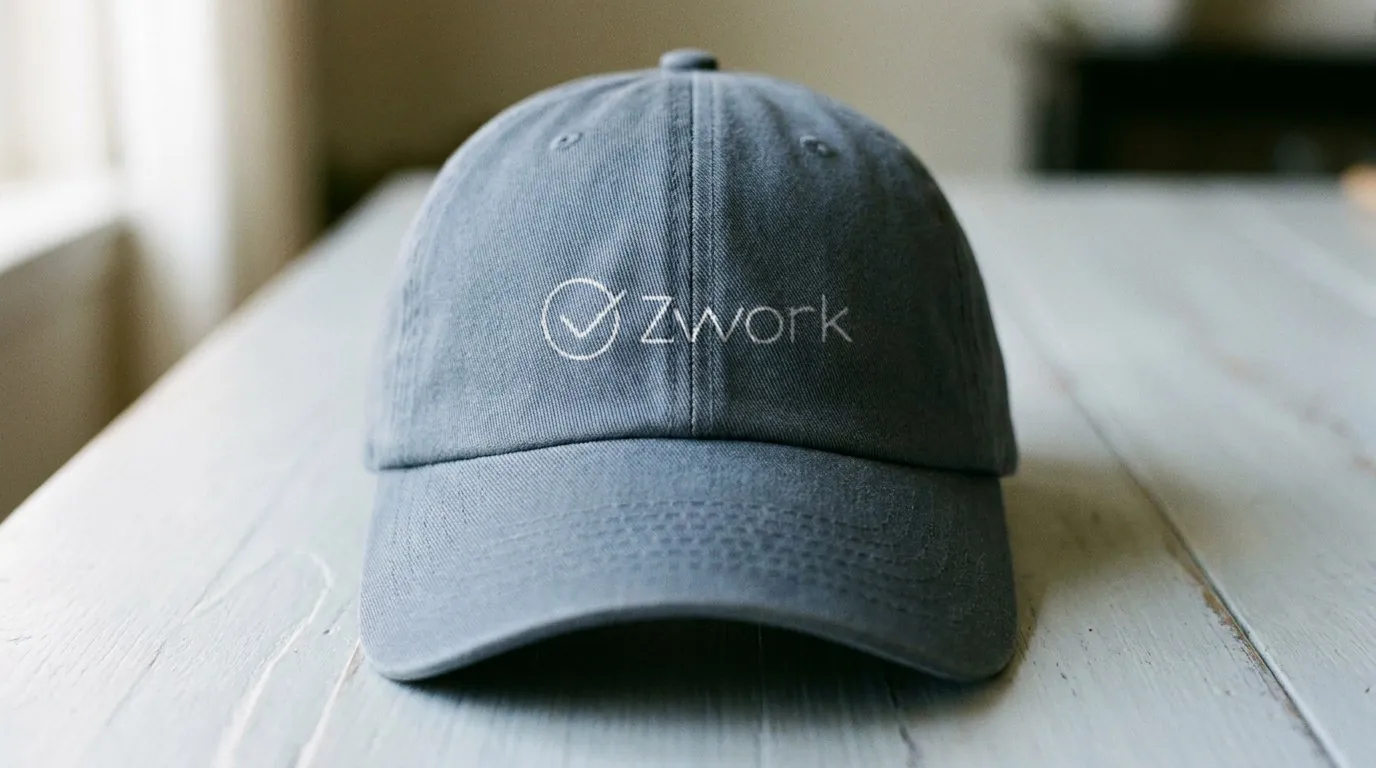
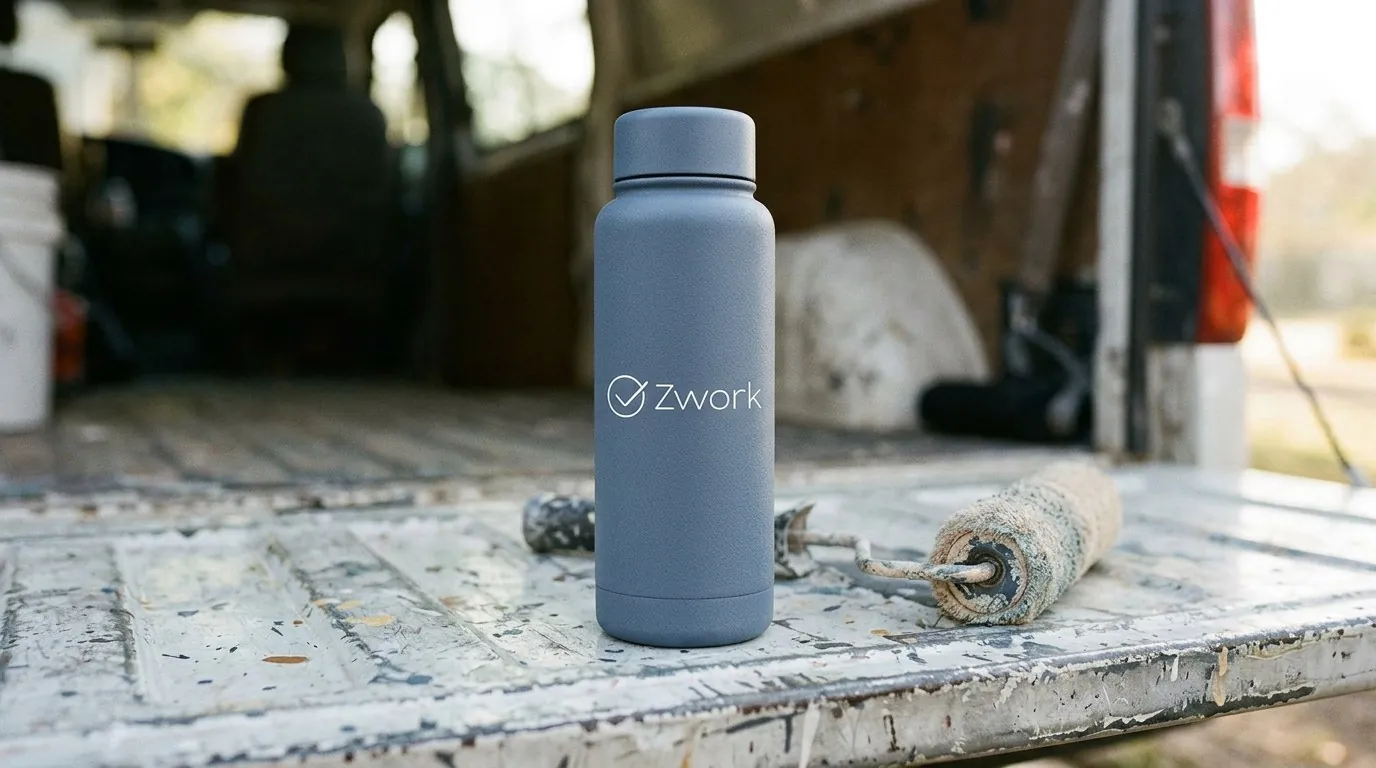
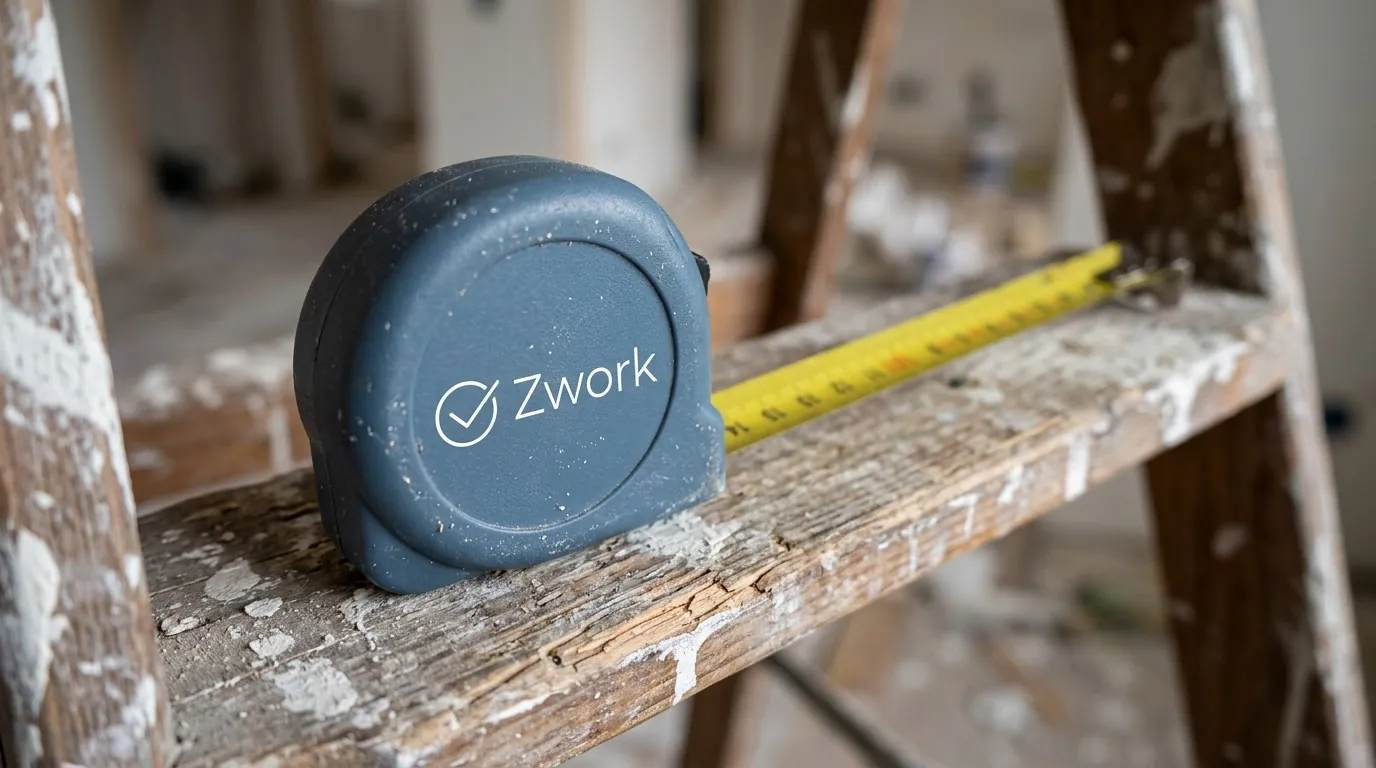
The Zwork logo is a checkmark inside a circle, drawn in clean lines with modern type. The checkmark stands for a task done and an item ticked off a list, and for the trust the marketplace depends on. Its simple form works at any size, on screen and in print, and suits the young audience the app was made for.
Impact and User Reception
After its launch, Zwork received an impressive rating on the App Store, indicating strong user approval. The app's success is a testament to its user-centered design and the effectiveness of its features.
Lessons Learned & Personal Growth
This project was pivotal in shaping my approach to product design. It reinforced the value of empathizing with stakeholders, understanding their challenges, and taking ownership of the solution. The freedom and responsibility of overseeing the project from inception to completion were both challenging and rewarding, confirming my preference for this comprehensive approach to product design.
Conclusion
The Zwork project demonstrates the power of empathetic design and strategic simplicity in creating a successful digital marketplace. It highlights the importance of user-centered design in developing a product that not only meets but exceeds user expectations. As a product designer, this project has been instrumental in shaping my approach to future endeavors, emphasizing the importance of thorough understanding and streamlined execution.
Brand

Merchandise

Details
- Years
- 2017
- Industry
- CommunicationFinanceEmployment
- Location
- US
- Tools
 Sketch
 InVision
 Adobe Photoshop
 Adobe Illustrator
 Abstract
- Relevant certificates
 Apple Human Interface GuidelinesUXcel · Aug 2025
 UX ResearchUXcel · Nov 2025
 Stakeholder ManagementUXcel · Jul 2026
 UX UI Design FoundationsUXcel · Jan 2021
- Fields
- UI/UX, Illustration, Branding
- Behance
- Zwork, Hybrid Mobile App